43
The Challenger Version 8.0 User Guide : Issue I , Revision I : October 1997
START AUTO ACCESS TEST - Menu Option 13
This function starts the access test.
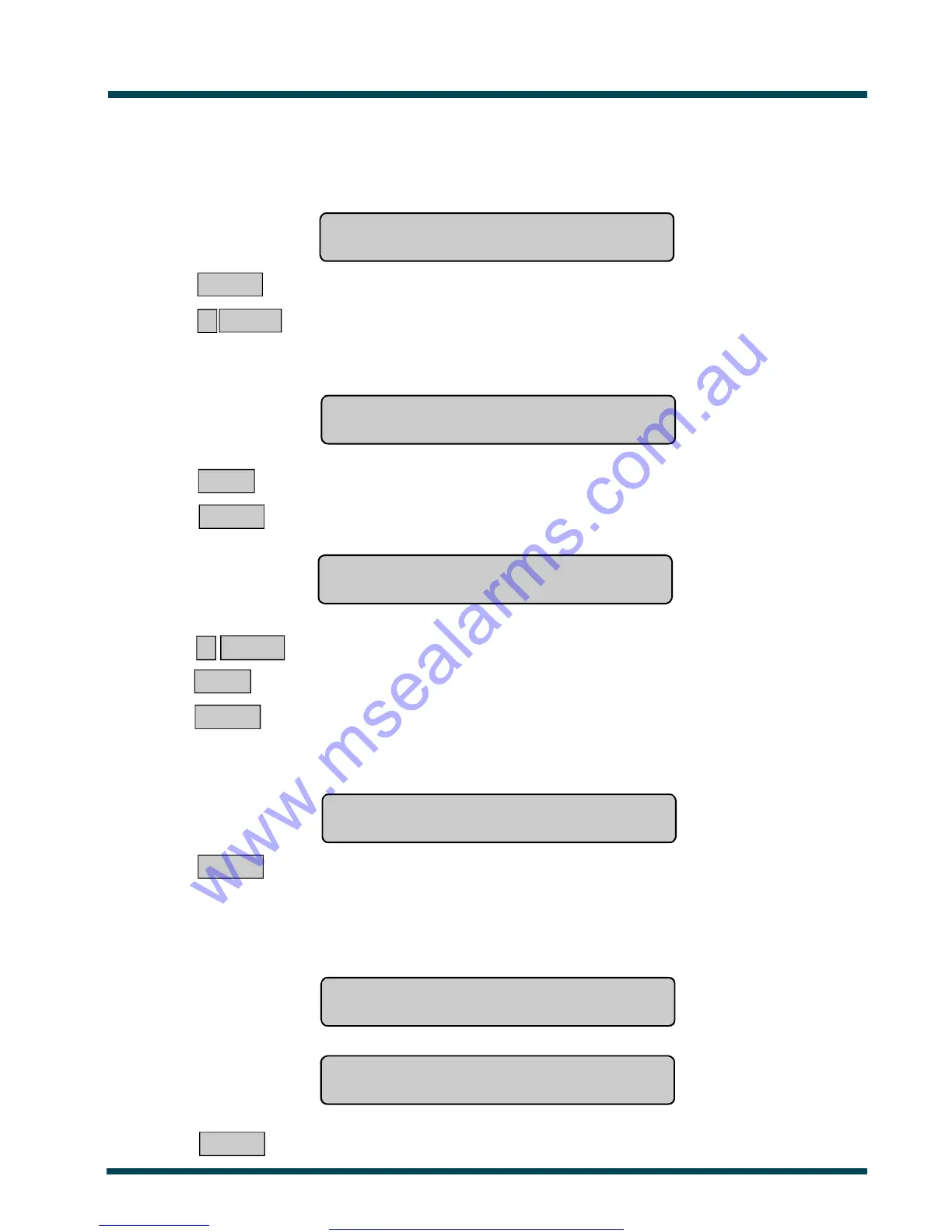
The display will show:
Access Test, NEXT For Untested
"0"-Cancel:
NEXT ~ Display the untested inputs.
0 ENTER ~ Cancel the Access test and move on to test completed/not completed display.
If "NEXT" is selected to display any untested inputs, the display will show the list of untested unputs:
Either one at a time eg. Untested Access On 4. PIR In Office
NEXT or ENTER
NEXT ~ Display the remaining inputs in the list (if any).
or ENTER ~ Move on to the Camera Test or Test Completed/Not Completed display.
Or as a list of numbers eg. Untested On 1, 2, 4.
Input No:
? ENTER ~ Display the description of the selected input
or NEXT ~ Display the remaining inputs in the list (if any).
or ENTER ~ Move on to the Camera Test or Test Completed/Not Completed display.
The display may show:
All Cameras Have Tested Successfully
Press ENTER
ENTER ~ Return to the original menu option display,
Note that only cameras allocated to Area 1 are tested.
When all inputs that are programmed to be tested during access test have been tested, or the time allowed for access test
has expired the test will automatically cease and the display will indicate if the test is completed or not completed.
a/The test is completed Test Completed
Press ENTER
b/The test is not completed Test Not completed
Press ENTER
ENTER ~ Return to the menu.
www.msealarms.com.au



 To Next Page