31
The Challenger Version 8.0 User Guide : Issue I , Revision I : October 1997
INPUT IN ALARM - Menu Option 3
This function is used to display details of all inputs which are in alarm.
Alarms should be acknowledged and reset - Refer to the section - Alarm.
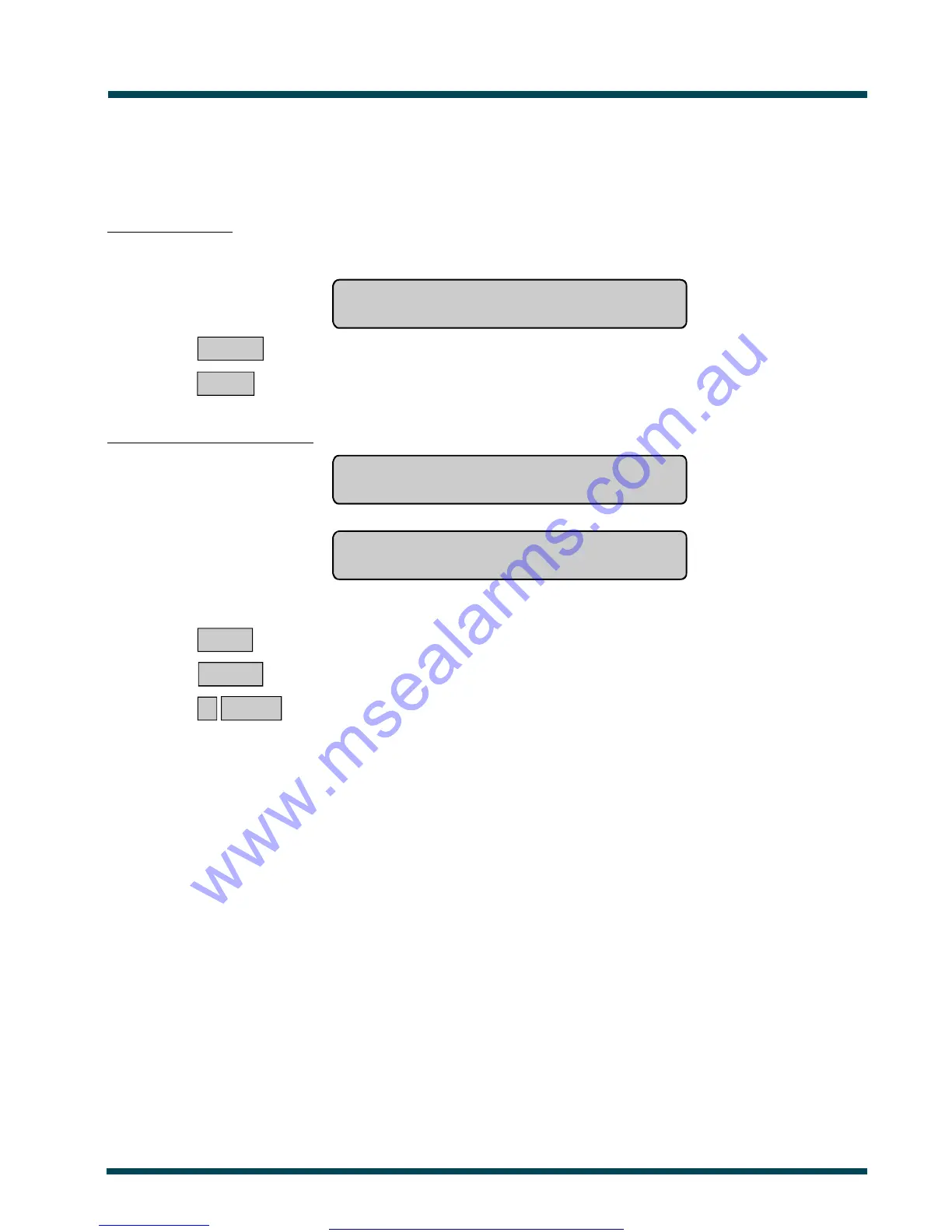
No inputs in alarm:
The display will show:
No Alarms
Press ENTER
ENTER ~ Return to the menu.
or NEXT ~ Update the status.
Inputs in alarm are listed either:
One at a time eg. Alarm On 3. Fire Escape Door
NEXT or ENTER
or
As a list of numbers eg. Alarm On 1, T2, 6.
Input No:
From either display:
NEXT ~ Update the list of inputs and display the next inputs in the list (if any).
or ENTER ~ Return to the menu.
or ? ENTER ~ Display the input name in full.
Note: 1. Tamper alarms are identified by T preceding the input number.
2. Using Panel Link changes the standard numbering system seen here, to reflect that of Panel
Link's system.
See Also: Alarm Types
Panel Status - Menu Option 1
Alarm
www.msealarms.com.au



 To Next Page