36 V8-U-TXT.PM6 : Issue I , Revision I : October 1997
SERVICE MENU - Menu Option 7
This function is used to provide a facility for the User to request a service call or to establish connection to a remote
service centre to allow programming over the telephone network.
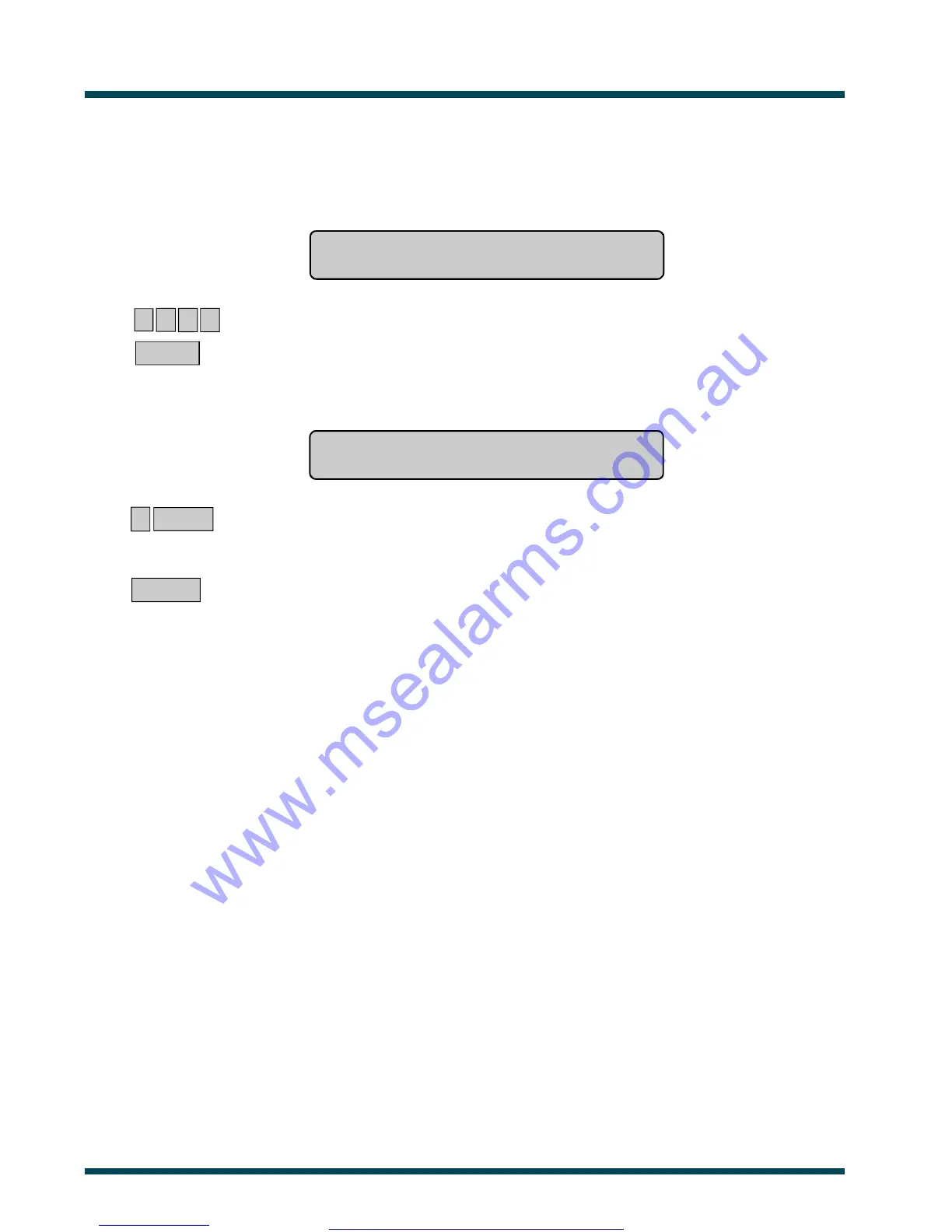
Code Required
Code:
1 2 3 4 ~ Enter your PIN
ENTER ~ Press
The display will show:
1 - Request Service Technician
0-Exit, Menu:
? ENTER ~ Select the Service Menu Option required. See list below.
In some cases this will bring up another display for more information to be entered.
Those options are detailed on the following page.
or ENTER ~ Return to the menu.
Menu Options:
1 - Request Service Technician:Enables a request for service technician to be sent to the remote
monitoring station. (Not available in all reporting formats)
2 - Disconnect Management
Software: Service connection is terminated.
3 - Dial Management
Software: The Challenger panel will dial the pre-programmed service telephone number and
attempt to connect to the remote service modem to allow programming changes to
be made over the telephone network. If it fails on the first try, it will not redial.
The panel will automatically drop the line if there have been no keys pressed by the
remote service operator within the last 2 minutes.
4 - Dial Temporary
Management Software: Allows a temporary telephone number to be programmed and dialled for the remote
computer/RAS connection.
5 - Direct (via J15)
Management Software: The Challenger panel will establish a temporary direct connection to a PC connected
to the Serial Port (J15) on the motherboard. Service Technician option only.
6 - Answer Management
Software: Instructs The Challenger panel to answer a current dial-in attempt immediately.
www.msealarms.com.au



 To Next Page