62 V8-U-TXT.PM6 : Issue I , Revision I : October 1997
PRINT HISTORY - Menu Option 24
This function is used to instruct The Challenger panel to print all the system history from when the last print history
command was issued (max 200 events with standard memory or 2000 events with expanded memory).
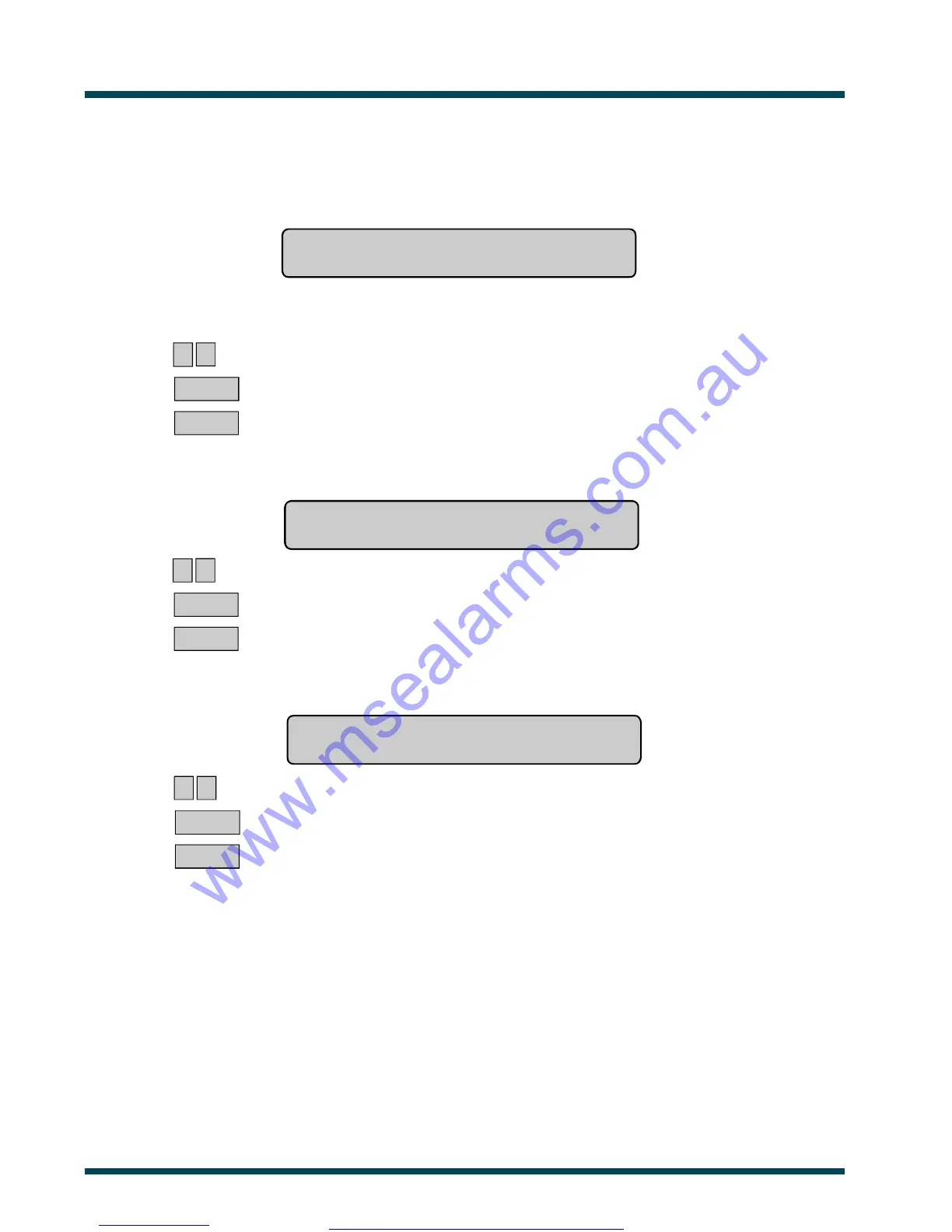
The display will show.
Print History Back To 00/00/90
Enter Day:
You may enter the day of the month to start printing from or if zero is entered for the day and month, the printer will start
printing from the last un-printed history.
? ? ~ Enter the day of the month.
ENTER ~ Press.
or ENTER ~ Press (to skip this field)
The display will show:
Print History Back To 00/00/90
Enter Month:
? ? ~ Enter the month of the year.
ENTER ~ Press
or ENTER ~ Press (to skip this field)
The display will show:
Print History Back To 00/00/90
Enter Year:
? ? ~ Enter the year.
ENTER ~ Press
or ENTER ~ Press (to skip this field)
The printer will start printing from the date specified.
Note: 1. The Challenger will not print if the printer is not ready, eg. OFF LINE, OUT OF PAPER, etc.
2. Using Panel Link changes the standard numbering system seen here, to reflect that of Panel Link's system.
3. Events are sorted across all panels in chronological order.
www.msealarms.com.au



 To Next Page