34 V8-U-TXT.PM6 : Issue I , Revision I : October 1997
TEST REPORT - Menu Option 6
This function is used to display the results of the Access Test or Secure Test.
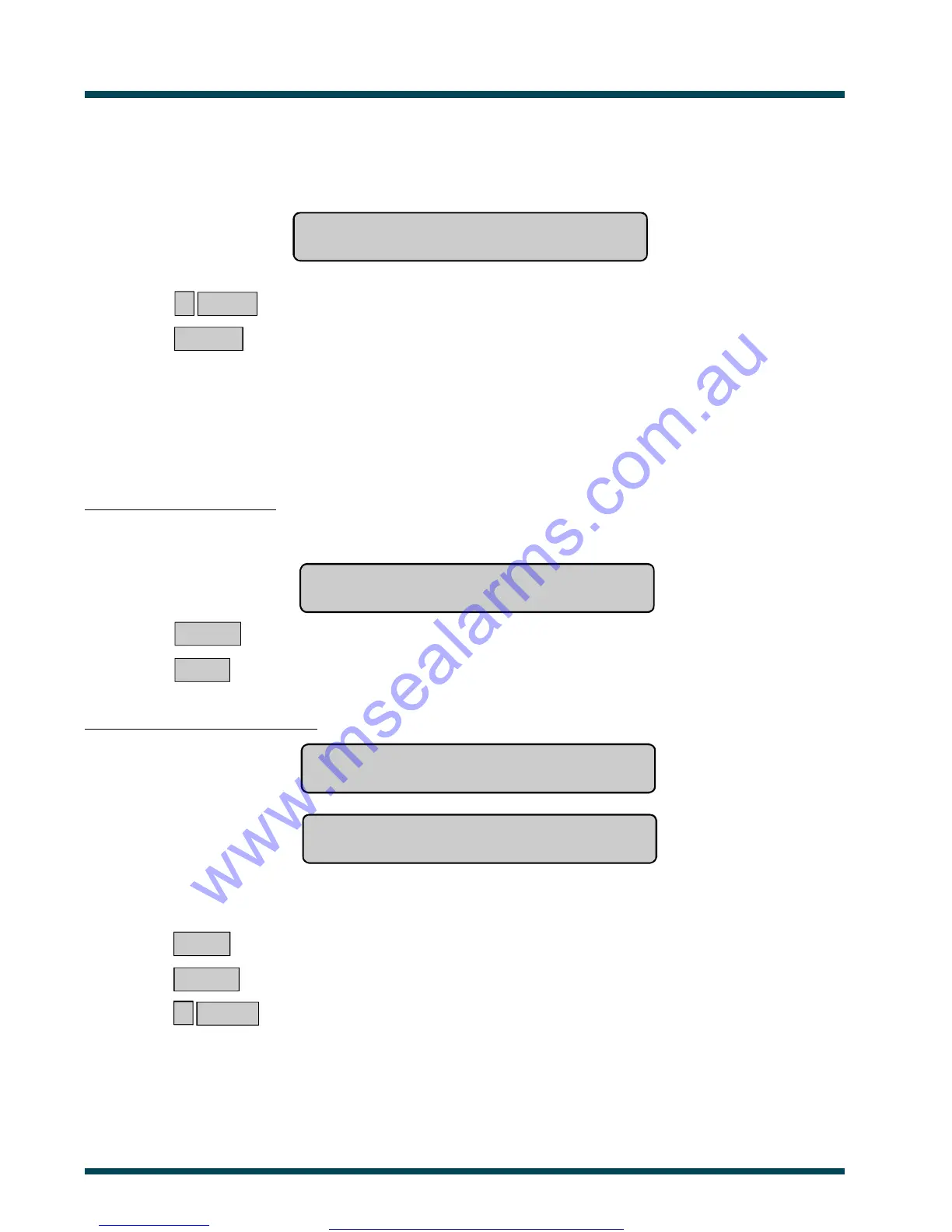
The display will show:
Test Report: 1-Access 2-Secure
Option:
? ENTER ~ Select the Test Report option required.
or ENTER ~ Return to the menu.
SECURE TEST REPORT: This option is used to display the results of the Secure Test which is done on specific inputs
to see if they were operating correctly. The inputs are those that are programmed to be included in testing, and which
operate when a building is unoccupied.
All inputs tested successfully:
The display will show:
No Untested Inputs
Press ENTER
ENTER ~ Return to the menu.
or NEXT ~ Update the status.
Untested inputs will be listed either:
One at a time eg. Untested Secure On 17. Rear Door Contact
NEXT or ENTER
or
As a list of numbers eg. Untested Secure On 9, 14, 17.
Input No:
From either display:
NEXT ~ Update the list of untested inputs and display the remaining inputs in the list (if any).
or ENTER ~ Exit the function and return to the menu.
or ? ENTER ~ Display the input name in full.
See Also: Secure Test.
www.msealarms.com.au



 To Next Page