59
The Challenger Version 8.0 User Guide : Issue I , Revision I : October 1997
HOLIDAYS - Menu Option 21
This function allows you to record the date of holidays. The holidays recorded here may be used in conjunction with time
zones to control access. eg. staff who are allowed access during normal week days can be denied access on weekdays
declared a holiday.
The Challenger is capable of recording up to 24 holiday dates.
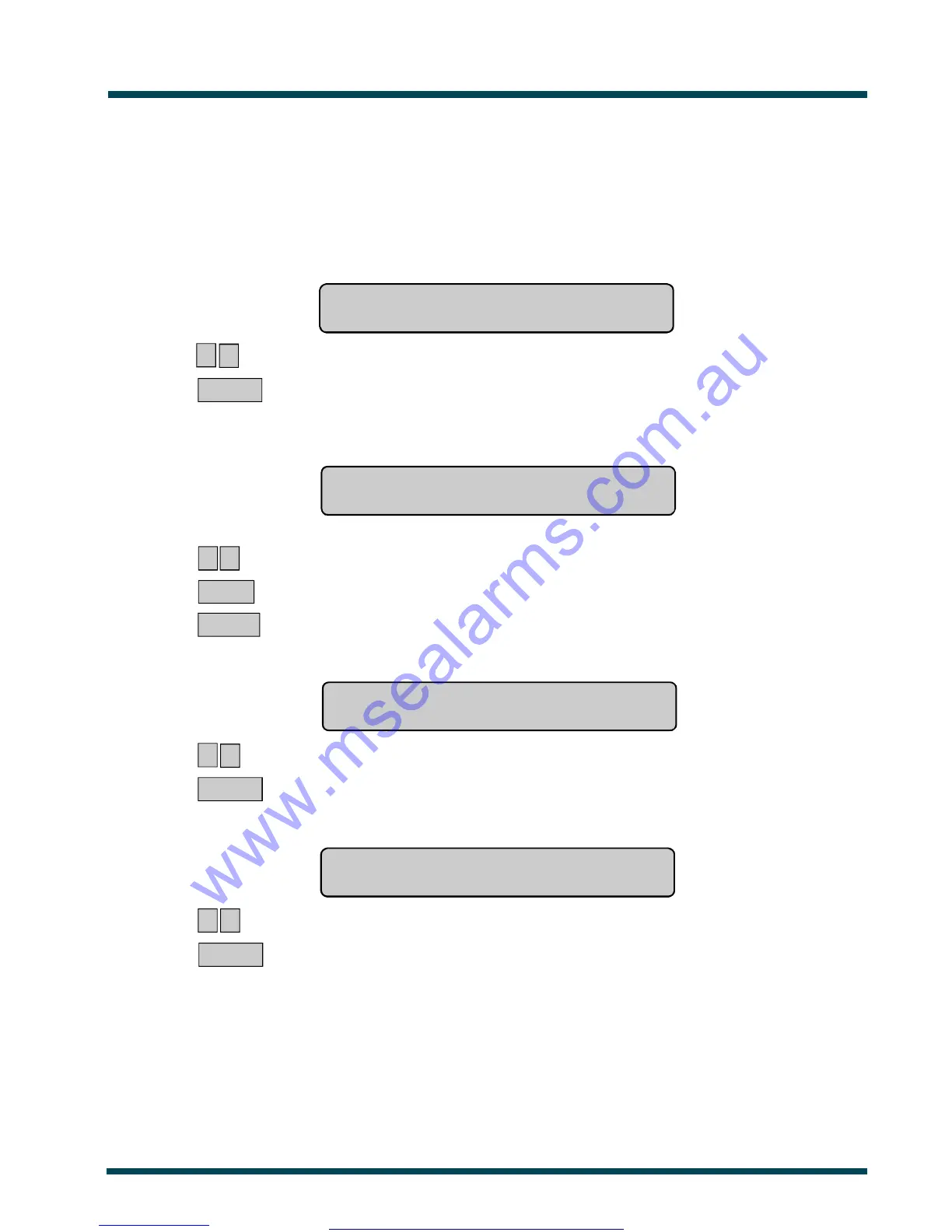
The display will show:
Holidays
Holiday No:
? ? ~ Record the holiday number.
ENTER ~ Press
The display will show the holiday number and the date of the holiday in numerics:
eg. Holiday 1: 00/00/00
Day of Mth:
? ? ~ Record the day or the week for the new holiday.
or NEXT ~ Scroll forwards through list of holidays.
ENTER ~ Press
The display will show the new day of the week:
eg. Holiday 1: 26/00/00
Month:
? ? ~ Record the month for the new holiday.
ENTER ~ Press
The display will show the new month:
eg. Holiday 1: 26/01/00
Year:
? ? ~ Record the new year.
ENTER ~ Return to the first display shown to input the next holiday.
Important Note! Always remember to update your "Holidays" List when any changes are made.
www.msealarms.com.au



 To Next Page