19
The Challenger Version 8.0 User Guide : Issue I , Revision I : October 1997
UNSEALED INPUTS (When arming/disarming your system)
It is not possible to arm (or disarm, if your system is programmed that way) an area unless all the inputs in that area are
sealed, as an unsealed input would usually set off an alarm. For example, all the doors and windows must be closed.
If any input is unsealed when you try to arm or disarm an area, The Challenger console will sound 7 quick beeps and will
display the unsealed inputs.
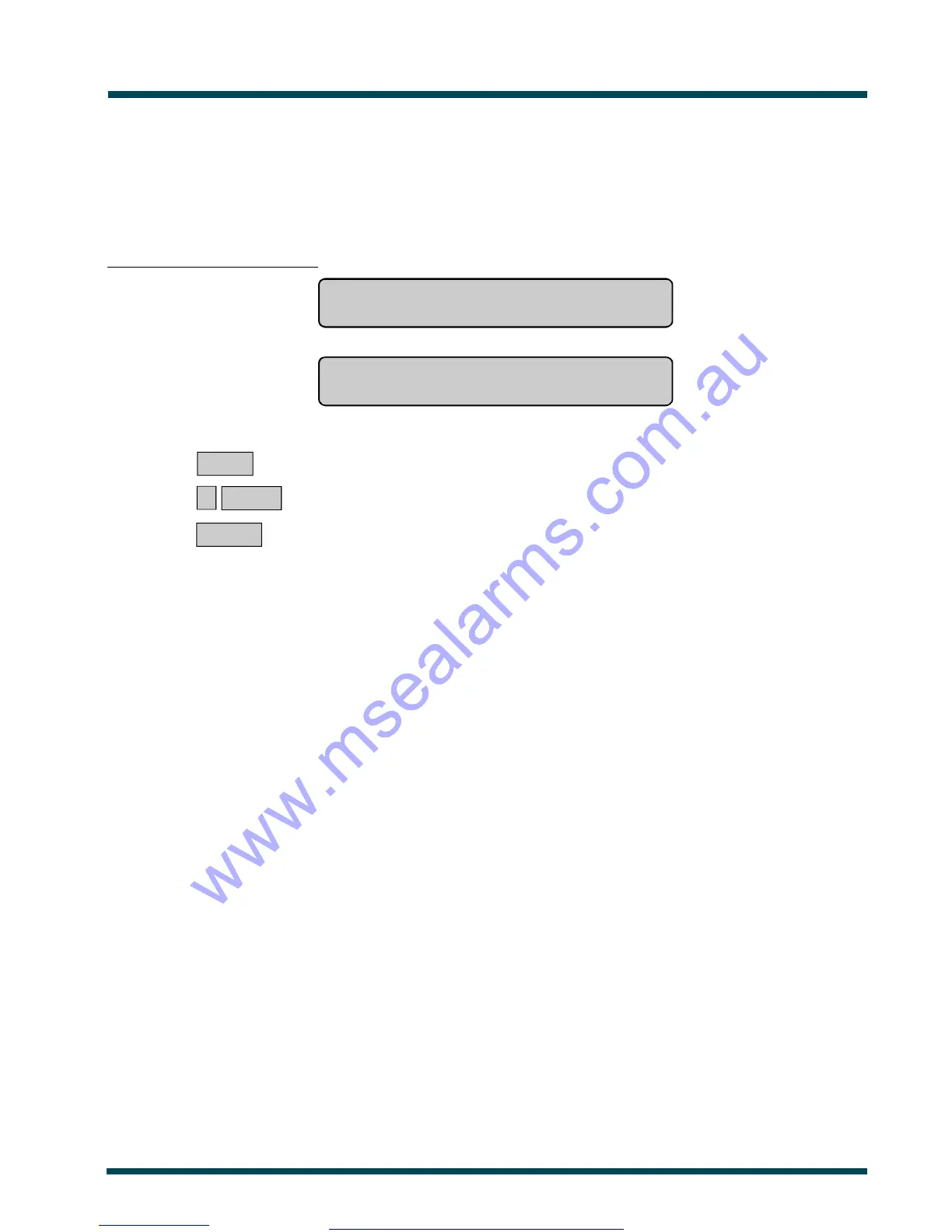
Unsealed inputs are listed either:
One at a time eg. Unsealed On 6. Front Door
NEXT or ENTER
or
As a list of numbers eg. Unsealed On 6, 7, 9.
Input No:
From either display:
NEXT ~ Update the list of unsealed inputs and display the next inputs in the list (if any)
.
or ? ENTER ~ Display the input name in full.
or ENTER ~ Exit the function and return to the display shown when you were attempting to arm
the system.
After you have determined which inputs are unsealed, you must seal them (eg. close door) then exit this display and try
again to arm or disarm the system.
Note: If you are unable to seal an input, refer to Isolate Input - Menu Option 10.
See Also: Arming Your System
Disarming Your System
Isolate Input - Menu Option 10
www.msealarms.com.au



 To Next Page