30 V8-U-TXT.PM6 : Issue I , Revision I : October 1997
INPUTS UNSEALED - Menu Option 2
This function is used to display all unsealed inputs. eg. Door open.
The function would be used to determine whether you need to check an input in order to maintain security.
eg. Close the door.
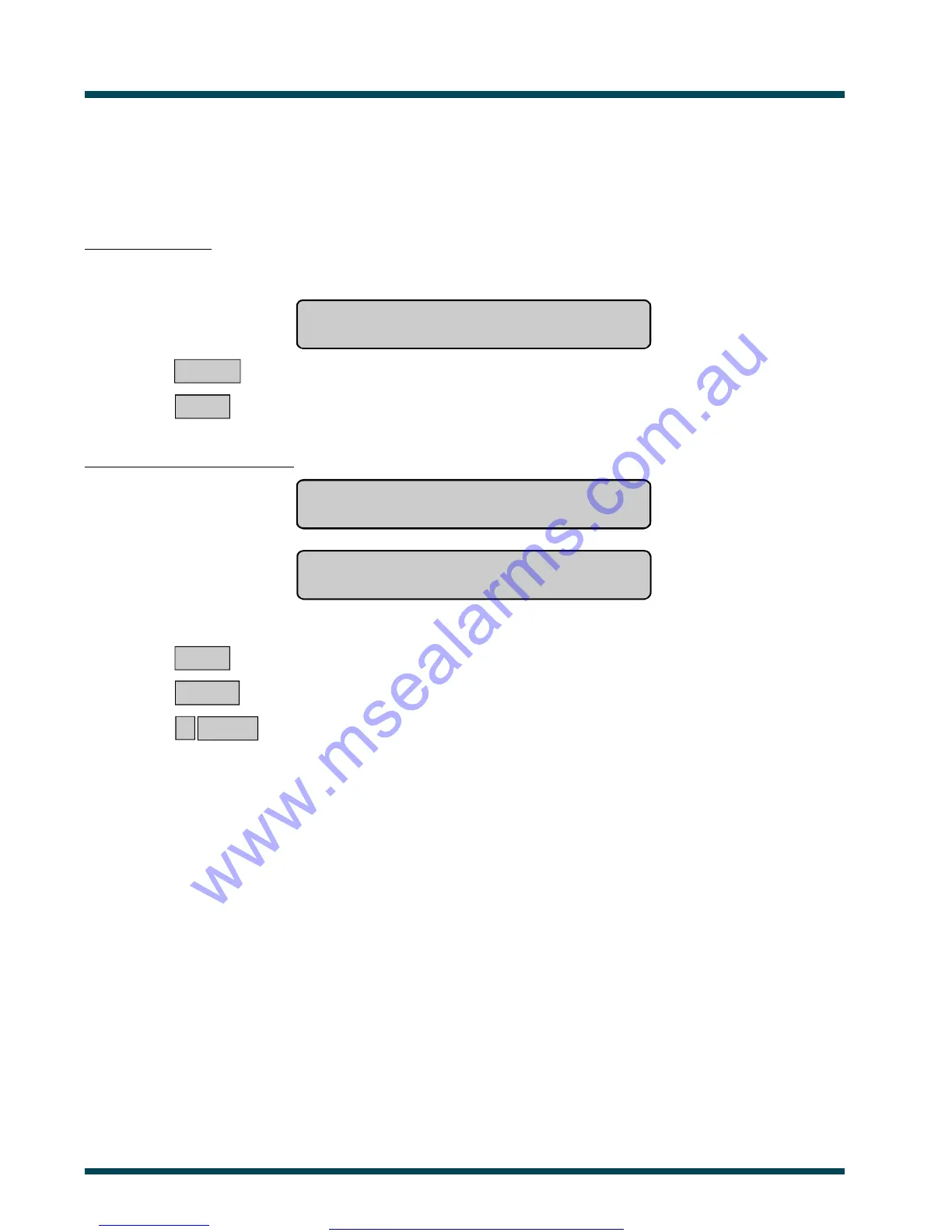
No inputs unsealed:
The display will show:
All Inputs Are Sealed
Press ENTER
ENTER ~ Return to the menu.
or NEXT ~ Update the status.
Unsealed inputs are listed either:
One at a time eg. Unsealed On 4. PIR In Managers Office
NEXT or ENTER
or
As a list of numbers eg. Unsealed On 1, 2, 6.
Input No:
From either display:
NEXT ~ Update the list of inputs and display the next inputs in the list (if any).
or ENTER ~ Return to the menu.
or ? ENTER ~ Display the input name in full.
Note: Using Panel Link changes the standard numbering system seen here, to reflect that of Panel Link's system.
See Also: Panel Status - Menu Option 1
www.msealarms.com.au



 To Next Page