47
The Challenger Version 8.0 User Guide : Issue I , Revision I : October 1997
PROGRAM USERS - Menu Option 14
CREATE (and CHANGE) A USER
The procedure to create a user may vary depending on whether yor are creating a user higher than 200 or higher than 1000.
If your system has the ability to program non-Tecom format magnetic cards (e.g. credit cards, financial institution
cards, etc.) into the system as users, follow the special procedure described on page 51, before proceeding with step 1.
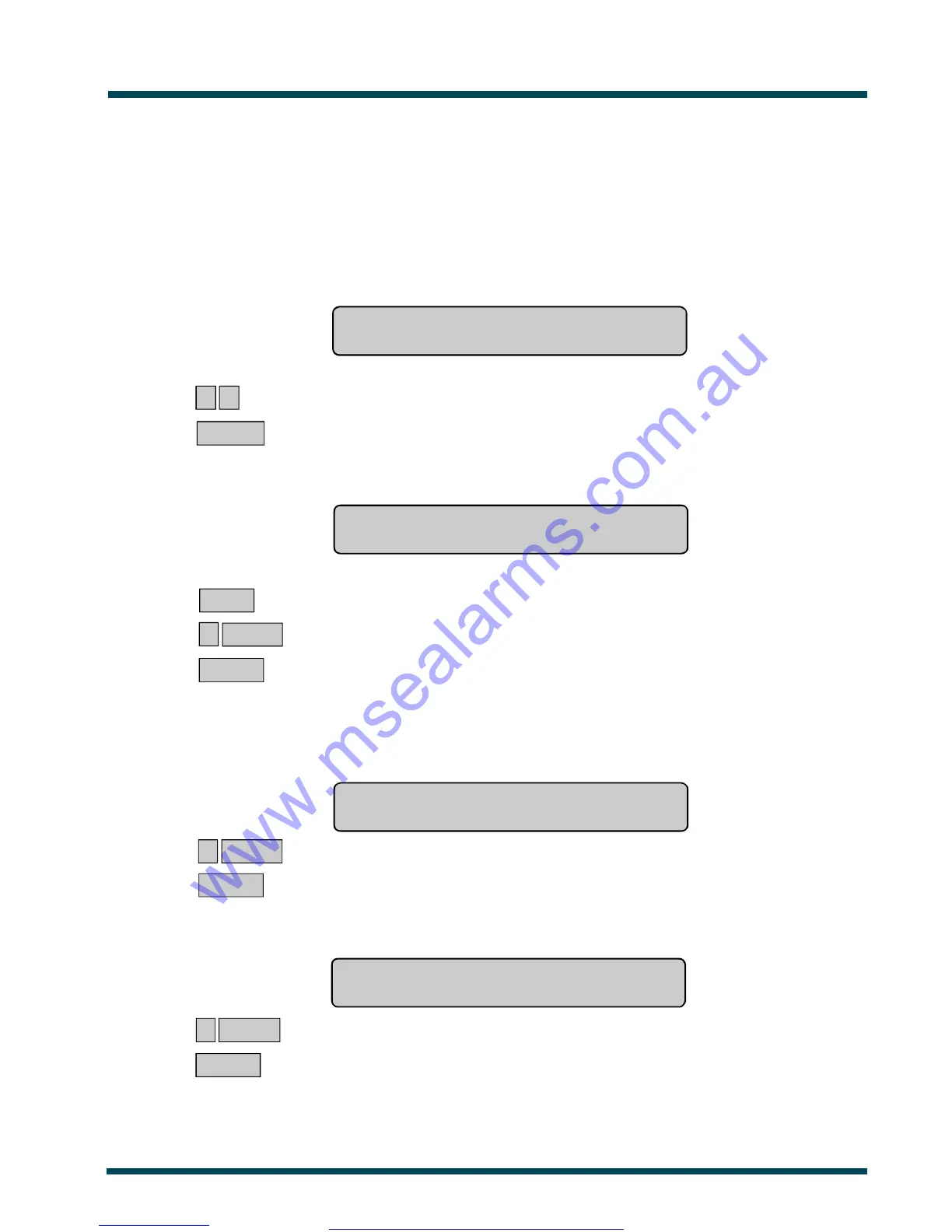
1. The display will show.
eg. Create User
User No:
? ? ~ Select the system user number (card number) to create or change.
ENTER ~ Press.
2. The display will show the user's alarm group*.
eg. *-View, Alm Grp:1-No Access
Alarm Group:
NEXT ~ Display the list of alarm groups that you can issue to a user (if any).
or ? ENTER ~ Select the number of the alarm group to be issued to this user. See Note 2
or ENTER ~ Press. Move on to next display.
3. The display will show the user's door group*.
Card Users must always have a valid door group assigned in order to perform alarm control or door functions.
eg. Door Group: 0
Door Group:
? ENTER ~ Select the door group number to be issued to the user (if any).
or ENTER ~ Press. Move on to next display.
4. The display will show the user's floor group*.
eg. Floor Group: 0
Floor Group:
? ENTER ~ Select the floor group number to be issued to the user (if any).
or ENTER ~ Press. Move on to next display.
See Also: User Identification which includes adescription of Alarm Groups, Door Groups, and Floor Groups.
www.msealarms.com.au



 To Next Page