Quick set-up guide10
Complete the set up tasks
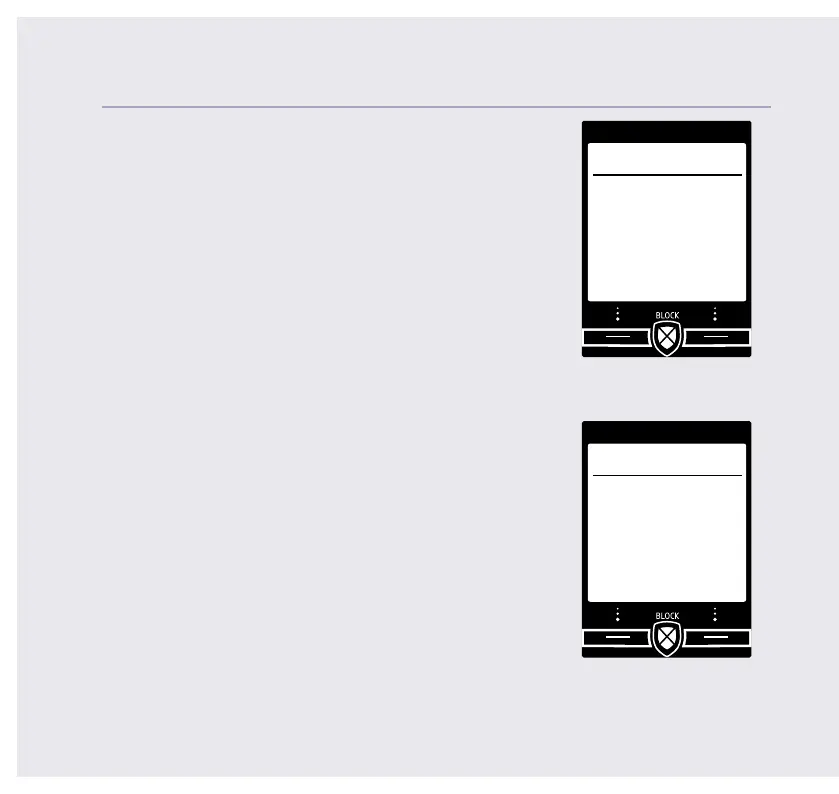
10. If you wish to continue following the set up
wizard, select Yes. (If you don’t want to follow the
wizard, select No and you can start using your
phone straight away. You can always set up tasks
via the menu later).
Record your outgoing message
11. If you wish to complete this step, select Yes
(or No to continue to the next step).
12. Record message is highlighted, press Select.
13. Follow the voice prompt and speak your
message into the phone after the tone.
14. Select Save when you’ve nished.
15. Your message will be played back to you.
16. Select OK (or Delete if you want to replace it).
17. Select Done, to continue with the set
up wizard.
If you need some help, call us on 13 2200 or go to https://go.telstra.com.au/helpandsupport/home-phone/
Set up
Yes No
Would you like
us to guide you
through some
set up tasks?
Set up
Yes No
Do you want to
record your
answer phone
outgoing
message now?



 To Next Page