Telstra Call Guardian
If you need some help, call us on 13 2200 or go to https://go.telstra.com.au/helpandsupport/home-phone/
20
The Block button
The block call button can be used in 3 ways:
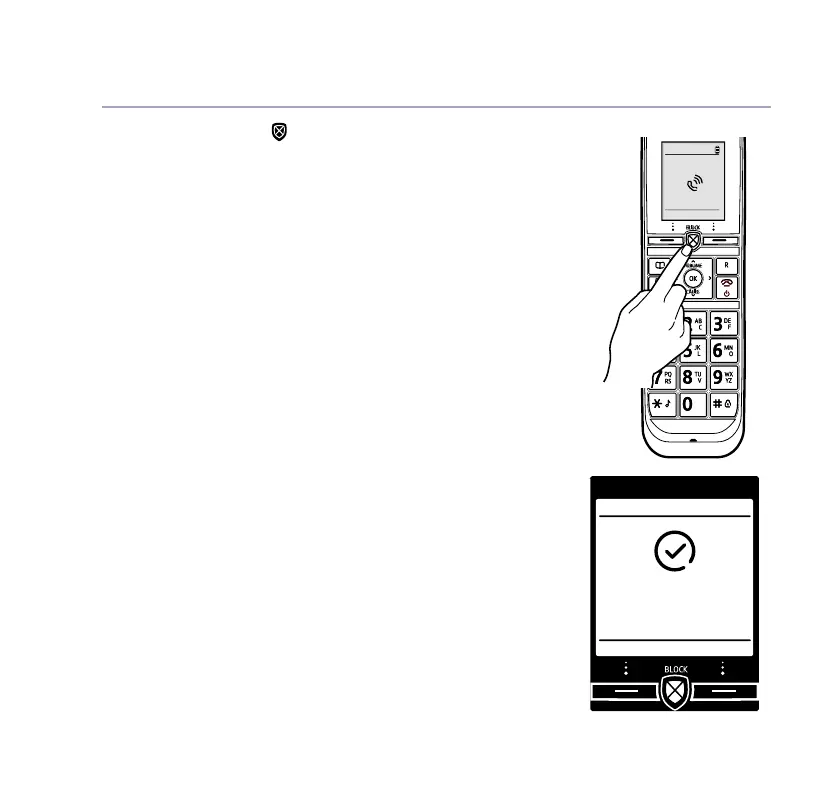
1. Incoming call
When you have an incoming call, the handset
display will show ‘Announced call’. When you
pick up the handset you’ll hear the caller
announcement so you can decide whether to take
the call. If you don’t want to take the call, press
on the handset and the caller will be advised
that their call is not accepted and the call will be
disconnected.
The number will be blocked and added to the
blocked calls list if Caller ID is displayed. If the
number calls again, the caller will hear, “Calls
to this number are being screened by Telstra
Call Guardian, the person you are calling is not
accepting your call. Please hang up”.
12:00pm
Mark
Mobile
Added to blocked
numbers list



 To Next Page