Using the phone
If you need some help, call us on 13 2200 or go to https://go.telstra.com.au/helpandsupport/home-phone/
30
Call Waiting
If you’ve got a call waiting service and it is switched
on, your phone will alert you to a second incoming
call if you’re already engaged on an external call.
To switch your call waiting service on or off, see
page 62.
1. You’ll hear the call waiting tone and if you also have
caller display the display will show the number
of the caller, or the name if it matches an entry in
your contacts. If its from someone already in your
blocked list, the display will say “Call waiting is
from a blocked number”.
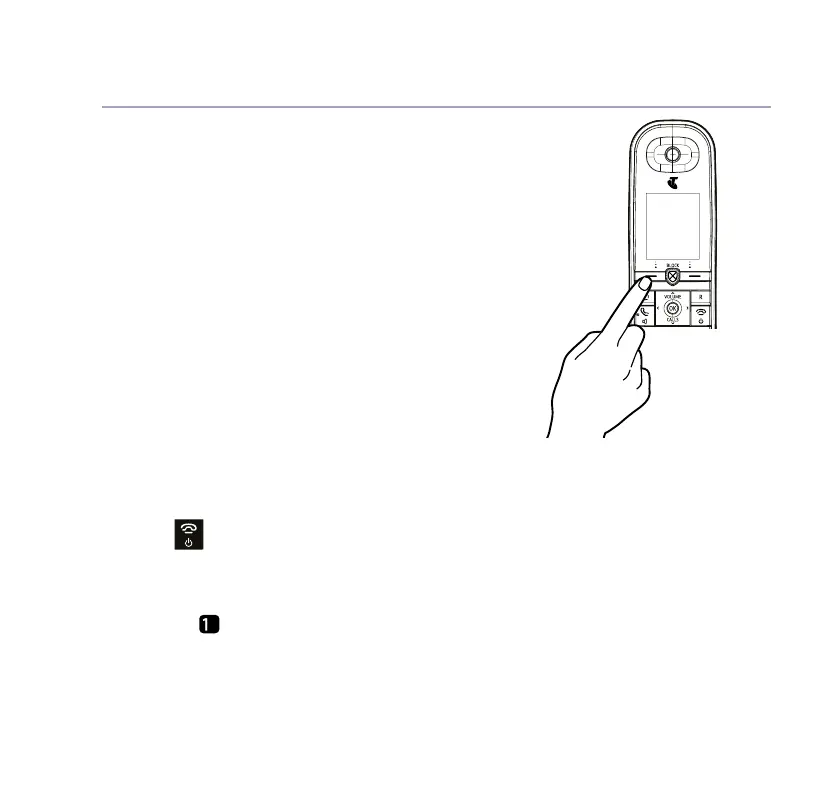
2. If you want to answer the call waiting, select
Switch by pressing the Left option button and
your rst caller will be put on hold.
3. Select Switch to toggle between the two callers.
4. Press
to hang up both calls.
Voicemail
1. If you have subscribed to voicemail you can press
and hold
to listen to your messages.



 To Next Page