Caller Display and the Calls list 39
Caller Display and the Calls list
If you need some help, call us on 13 2200 or go to https://go.telstra.com.au/helpandsupport/home-phone/
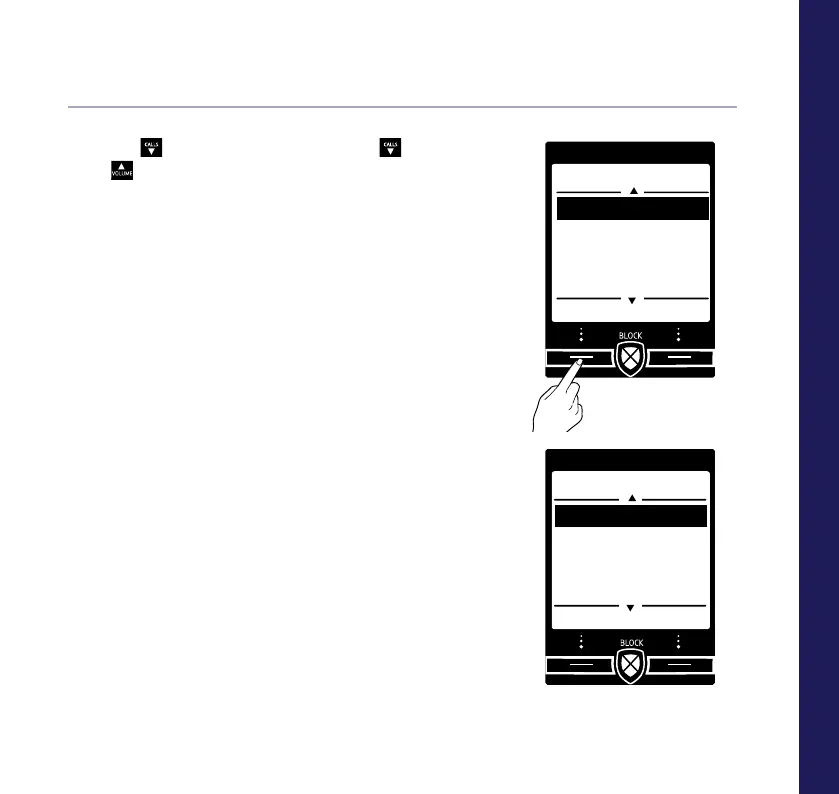
Save a Calls list entry to your contacts
1. Press
CALLS
or select Calls, then press
CALLS
or
to highlight the entry you want
and select Options.
2. Highlight Save number and press Select.
3. You now have two options:
i) To save this as a new contact, highlight
New contact and press Select. Highlight
the type of number, then press Select.
Enter the contact name and select Save.
ii) To add to an existing contact, highlight
Add to contact and press Select. Scroll to
highlight the entry you want and press Select.
Highlight the number type where you want to
save the number (Home, Work or Mobile) and
press Select.
These numbers will now get straight through
when they call, without Call Guardian
intercepting them.
Calls
Select Back
Save number
Allow number
Block number
Delete call
Save number
Select Back
New contact
Add to contact



 To Next Page