If you need some help, call us on 13 2200 or go to https://go.telstra.com.au/helpandsupport/home-phone/
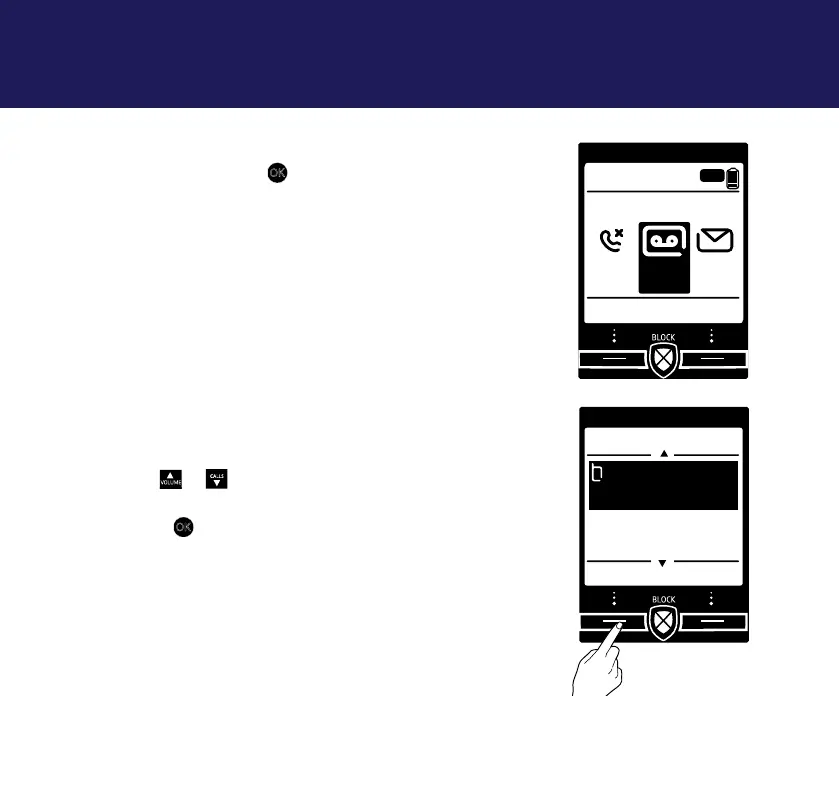
Message playback using the handset
1. Highlight the answer phone icon on the home
screen and press
OK
, or
i) Select Menu, Answer Phone is displayed,
press Select.
ii) View messages is highlighted, press Select.
3. A list of your answer phone messages will be
displayed with the most recently received
highlighted at the top.
4. Use
or
CALLS
to scroll through the list to
highlight the message you wish to listen to and
press
OK
.
i. If you have more than one message stored and
want to listen to them all, select Options.
Play all will be highlighted, press Select.
Answer machine42
8:00pm
Menu Calls
Lounge
ANS
1 11
Gordon
6.30pm Sun
---End---
Messages
Select Back



 To Next Page