Caller Display and the Calls list
If you need some help, call us on 13 2200 or go to https://go.telstra.com.au/helpandsupport/home-phone/
Caller Display and the Calls list
To get the most out of your Telstra Call Guardian 301 and ensure that you block
all of the unwanted calls that you may receive, you must have Caller Display.
Having Caller Display will also provide Answer machine playlist, Text Messaging
and other Caller Display enabled features. (Charges may apply).
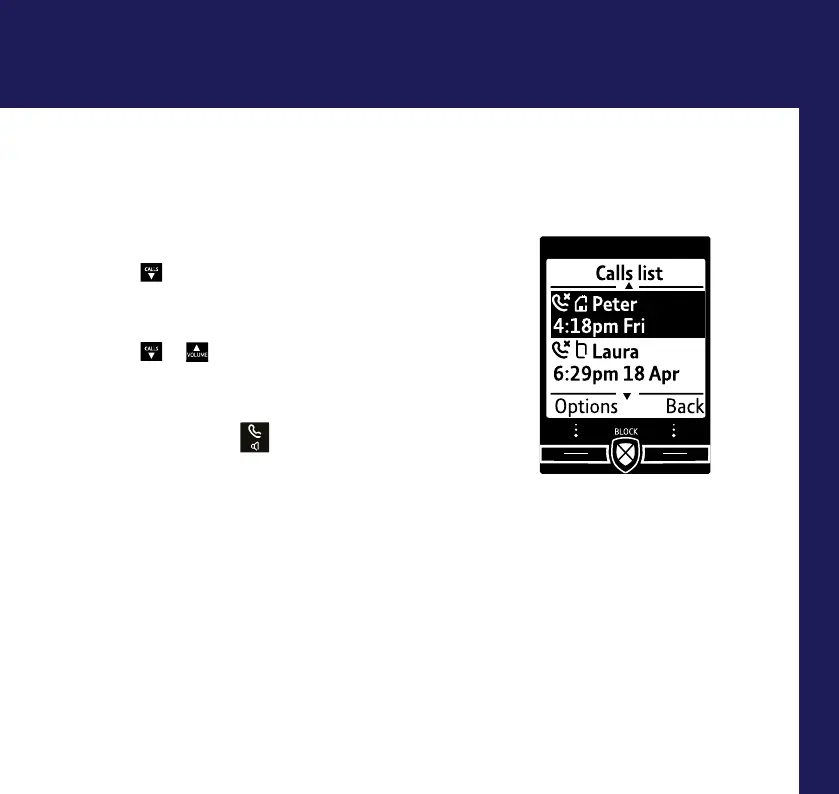
View and dial from the Calls list
(up to 50 incoming and 30 outgoing calls)
1. Press
CALLS
or select Calls. The most recent entry
is at the top of the list. (If there are no entries
Calls list empty will be displayed.)
2. Press
CALLS
or
to scroll through and view
the list.
3. To dial an entry, when the entry you want is
highlighted, press
.
4. To access other options like: play an answer
message,send a text, allow or block a number,
select Options when the entry is highlighted.
37



 To Next Page