Chapter32
If you need some help, call us on 13 2200 or go to https://go.telstra.com.au/helpandsupport/home-phone/
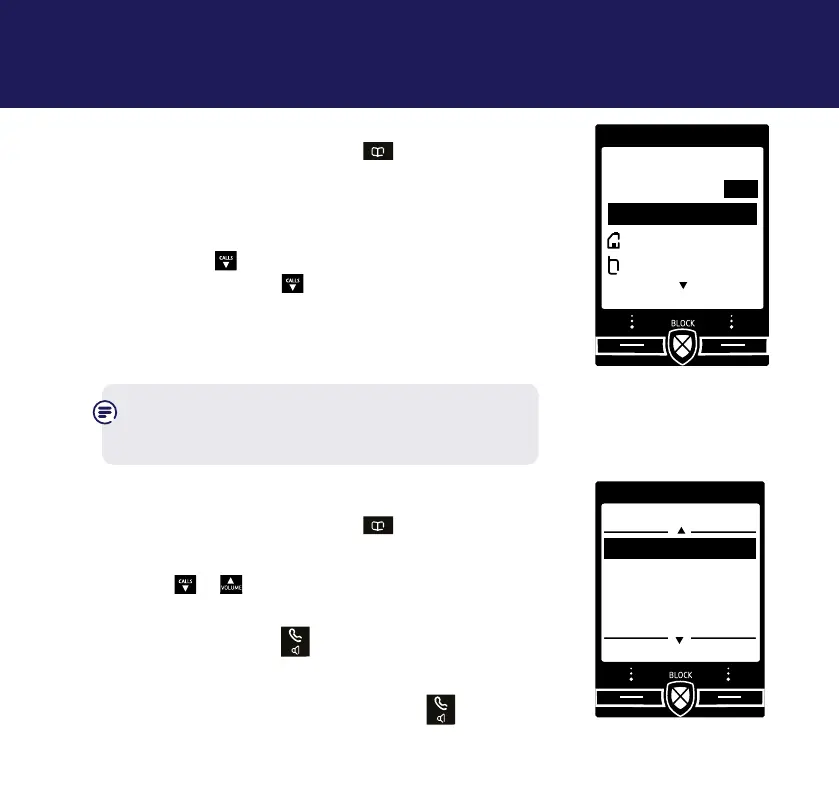
Store up to 200 contacts
1. From the home screen, press
.
2. Select Options. Add contact is highlighted,
press Select.
3. Enter the new contact name using the keypad
then press
CALLS
and enter the home phone number.
You can then press
CALLS
and enter a mobile number
and then a work number if you want to. Select
Save when you’ve nished.
The display will show Contact saved.
To be sure that Call Guardian works properly,
please make sure you enter the full dialling code
for contacts that you save.
View/dial a contact
1. From the home screen, press
to open your
contact list.
2. Press
CALLS
or
to scroll through and view
the entries.
To dial an entry, press
when the entry is
highlighted. If the entry has more than one
number saved under it you will need to highlight
the number you want and then press
again.
Contacts32
Add contact
Name
Home
Mobile
Save Back
I
Abc
Contacts
Options Back
Mark
Mum
Dave
Tom



 To Next Page