Using the phone 31
If you need some help, call us on 13 2200 or go to https://go.telstra.com.au/helpandsupport/home-phone/
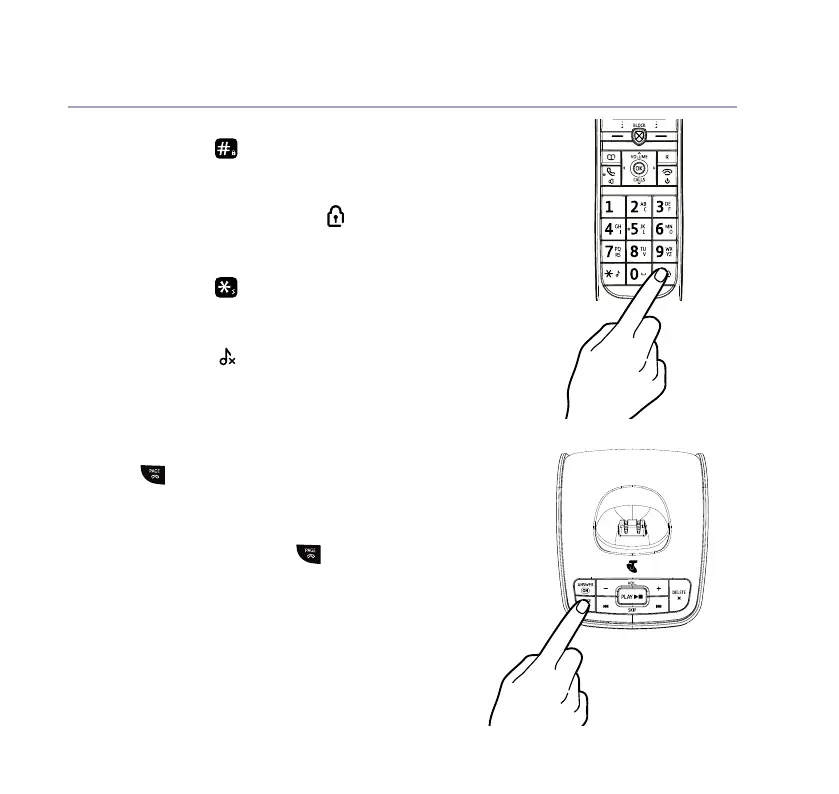
Lock or unlock the keypad
1. Press and hold
for 2 seconds. The handset gives
a conrmation tone and Keypad locked or Keypad
unlocked is briey displayed before returning to
the idle screen. If locked, the
icon is displayed.
Turn the handset ringer on or off
1. Press and hold
for 2 seconds to turn the
handset ringer on or off. The display will briey
show Ringer on or off before reverting to the idle
screen with the
icon displayed if the ringer has
been turned off.
Find handset (Paging)
You can ring a handset to help nd it.
1. Press
on the base. All handsets registered to
the base will ring and the screen will show Base
searching for handsets for up to 2 minutes.
2. To stop the ringing, press
on the base again or
press any key on any handset.



 To Next Page