Quick set-up guide12
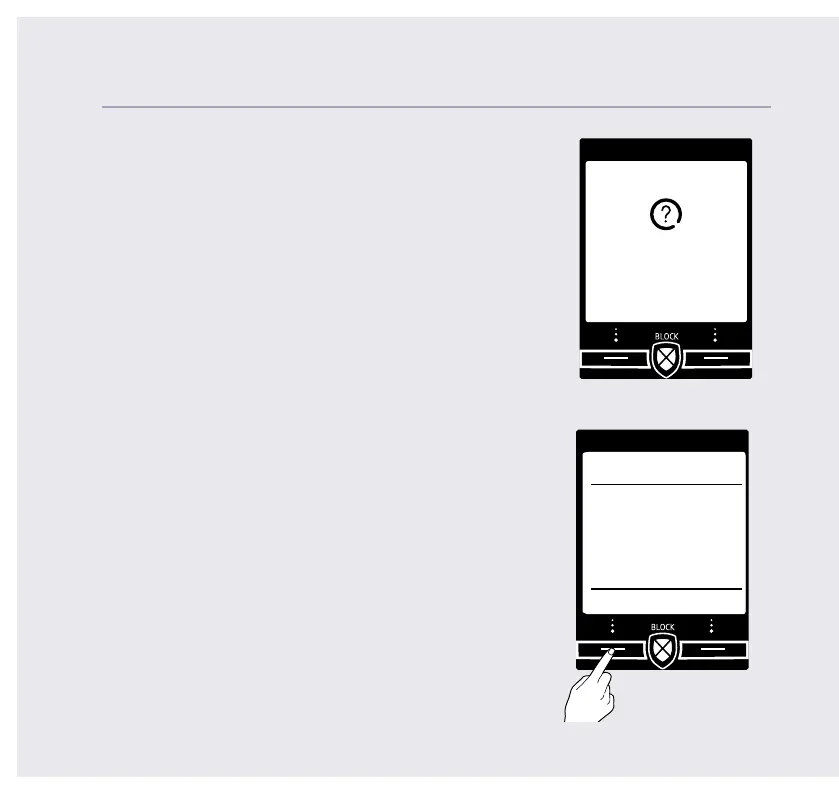
22. Select Yes if you want to enter more contacts
or No if you don’t want to for now.
Follow steps 19, 20 and 21 on page 11
for instructions on how to add a contact.
23. Select OK to complete the set up wizard.
You can now start using your phone.
Please read the rest of this User Guide for
instructions on how to use the most popular
features of your Telstra Call Guardian 301 phone.
If you need some help, call us on 13 2200 or go to https://go.telstra.com.au/helpandsupport/home-phone/
Set up
Do you want to
add another
contact?
Yes No
Set up
OK
Set up
complete.
Please read the
user guide
enclosed.



 To Next Page