2.5 Menus
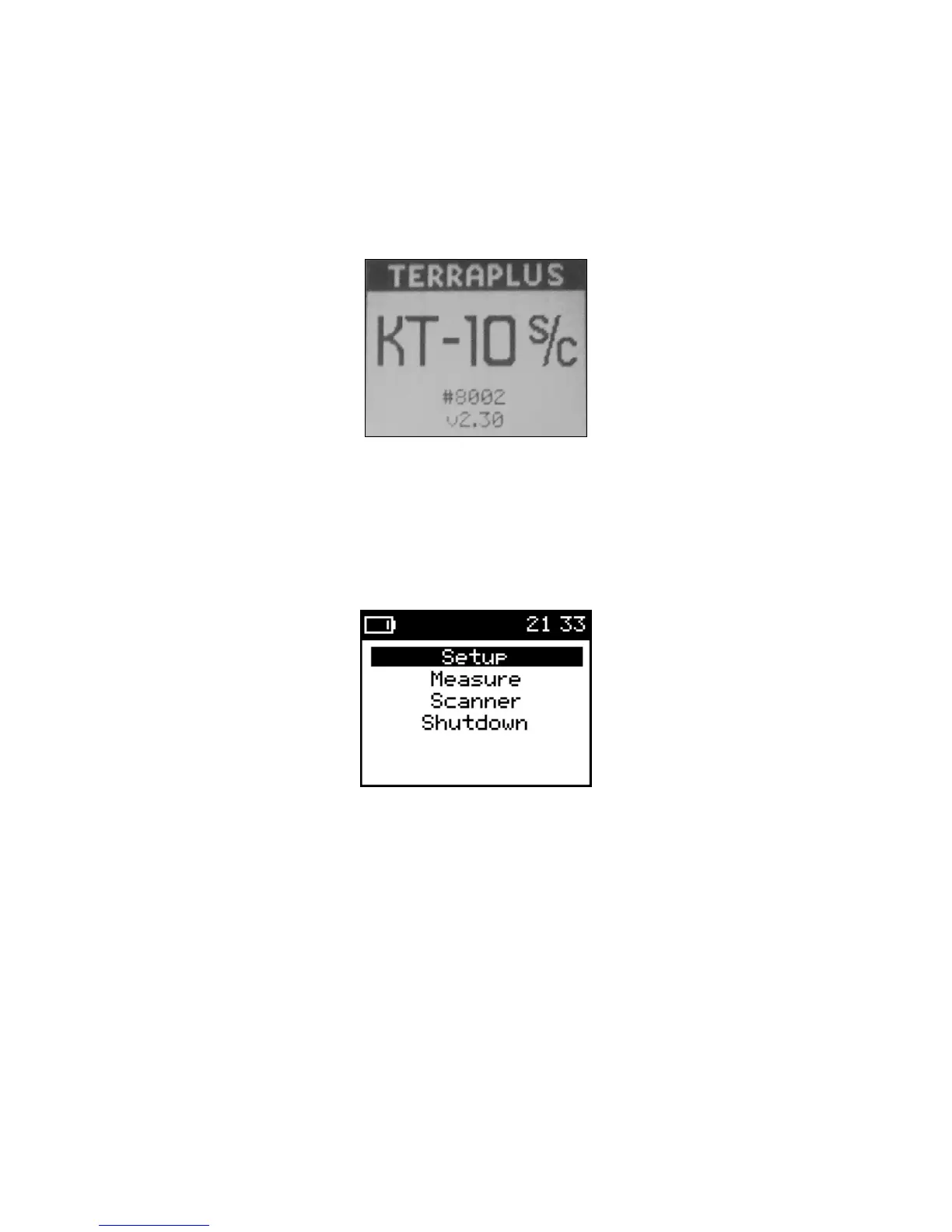
The first screen you will see when you power on the meter will be a start up screen
(shown in Figure 3).
Figure 3: Start-up Screen
The information displayed on the start-up screen will be the unit’s serial number and
firmware revision, which is currently v2.70, at the time of this writing. The start-up
screen will be displayed for about 2 seconds and then the main menu will appear (shown
in Figure 4).
Figure 4: Main Menu
Measure and Scanner are the two modes of operation for the KT-10 v2. Selecting one of
these options will activate the measurement routine for that mode. Setup is used to
configure mode, date & time, core size selection, connection of Bluetooth GPS unit, and
battery type selection along with calibration information. Shutdown will turn the unit off.
For detailed information on each measurement selection and the settings menu please
refer to Chapter 3 for Operation of the KT-10 v2 (starting on Page 17).
15


 To Next Page