3.5.2 Store a reading
There are two different options available to store the readings.
Quick save: With the results displayed on screen, you can quickly store the
reading by using LBP▲.
Save with voice note: To store the reading with an optional voice record use LBP▼.
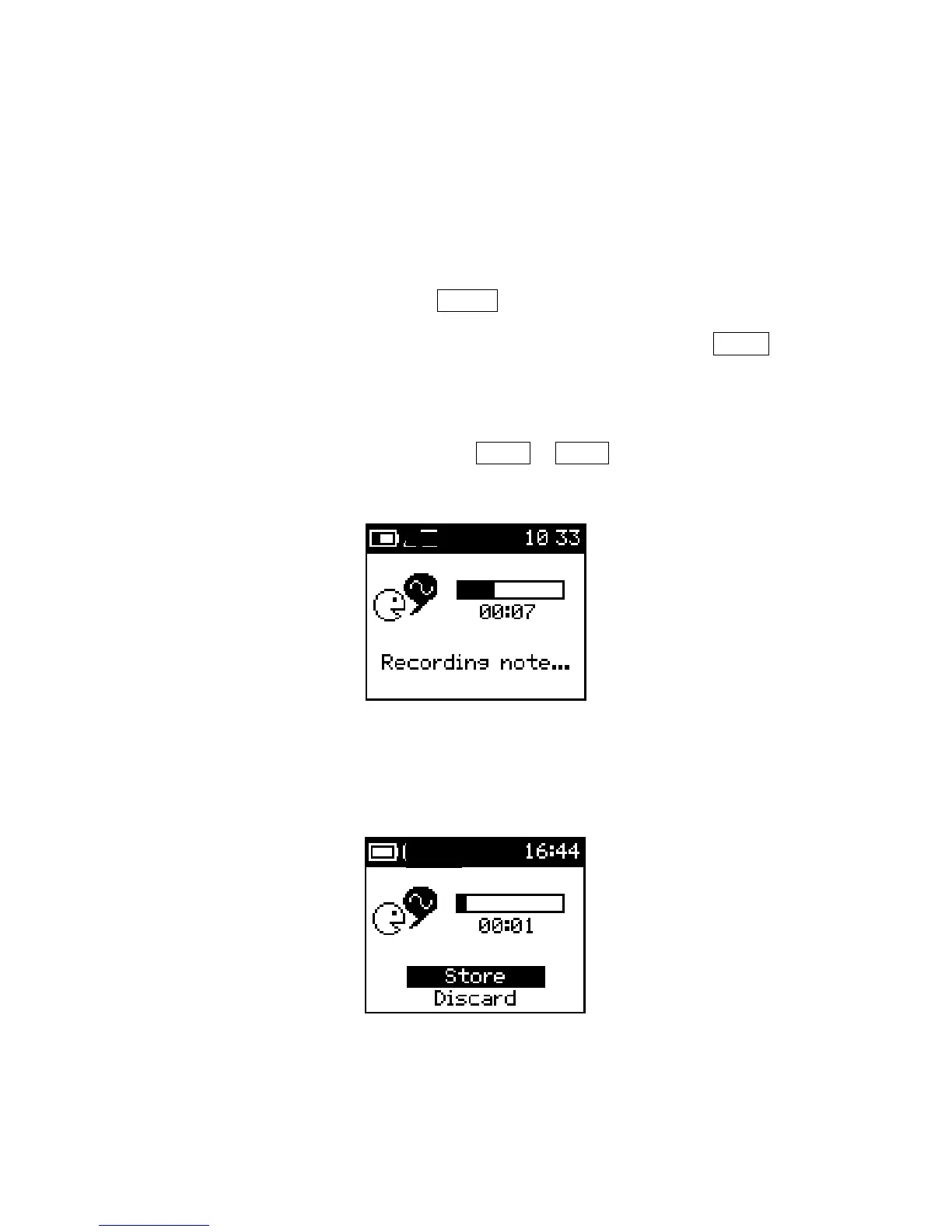
This will invoke the voice recorder and the screen shown in Figure
29 will be displayed. Position the KT-10 v2 about 10 cm from
your mouth and speak at a normal volume. You can end the voice
record by using either SBP▼ or SBP▲ or, by allowing the time
to elapse (45 seconds).
Figure 29: Voice Record
Once the recording has ended, it will automatically be replayed; this will allow its
contents to be confirmed. User can then store or discard the voice note.
Figure 30: Store voice record
34



 To Next Page