3.6.2 Scanner mode setup wizard
Use the LBP▲ to select the Scanner mode. The Scanner setup wizard will be
activated as shown below.
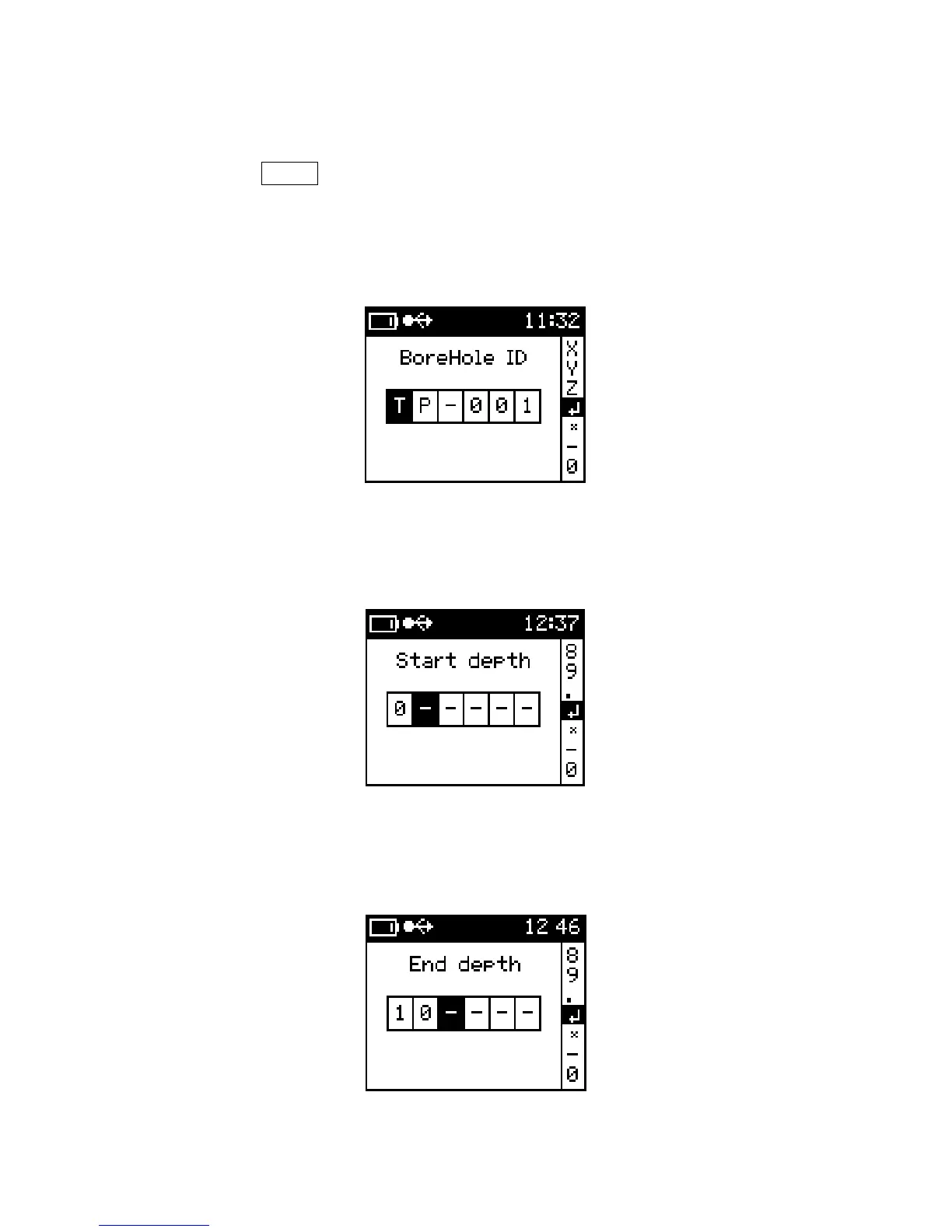
1) BoreHole ID
Use the alpha-numeric to enter identification for the borehole
BoreHole ID
2) Start Depth
Enter the starting depth of the core
Start Depth
3) End Depth
Enter the End depth of the core
End Depth
41



 To Next Page