3.5 Scanner
The Scanner option will initialize the KT-10 v2 for continuous measurement. Geometric
corrections can be applied to the magnetic susceptibility readings to display true
susceptibility values. This mode is best utilized for logging drill cores or prospecting. In
Scanner mode, the SBP▲ is used to activate the Scanner measurement sequence and to
add markers to the data set. SBP▼ is used to end the scanner process.
3.5.1 Take a reading in the Scanner mode
1. Set Measure Mode & Core Diameter Size
a. From the main menu (Figure 4), enter into the Setup menu.
b. Select Mode and select the preferred mode of measurement.
c. Select Core diameter then choose a core diameter size. Select “None”
if you are measuring rock samples.
d. Select “Back to menu” to return to the main menu
2. Select Scanner
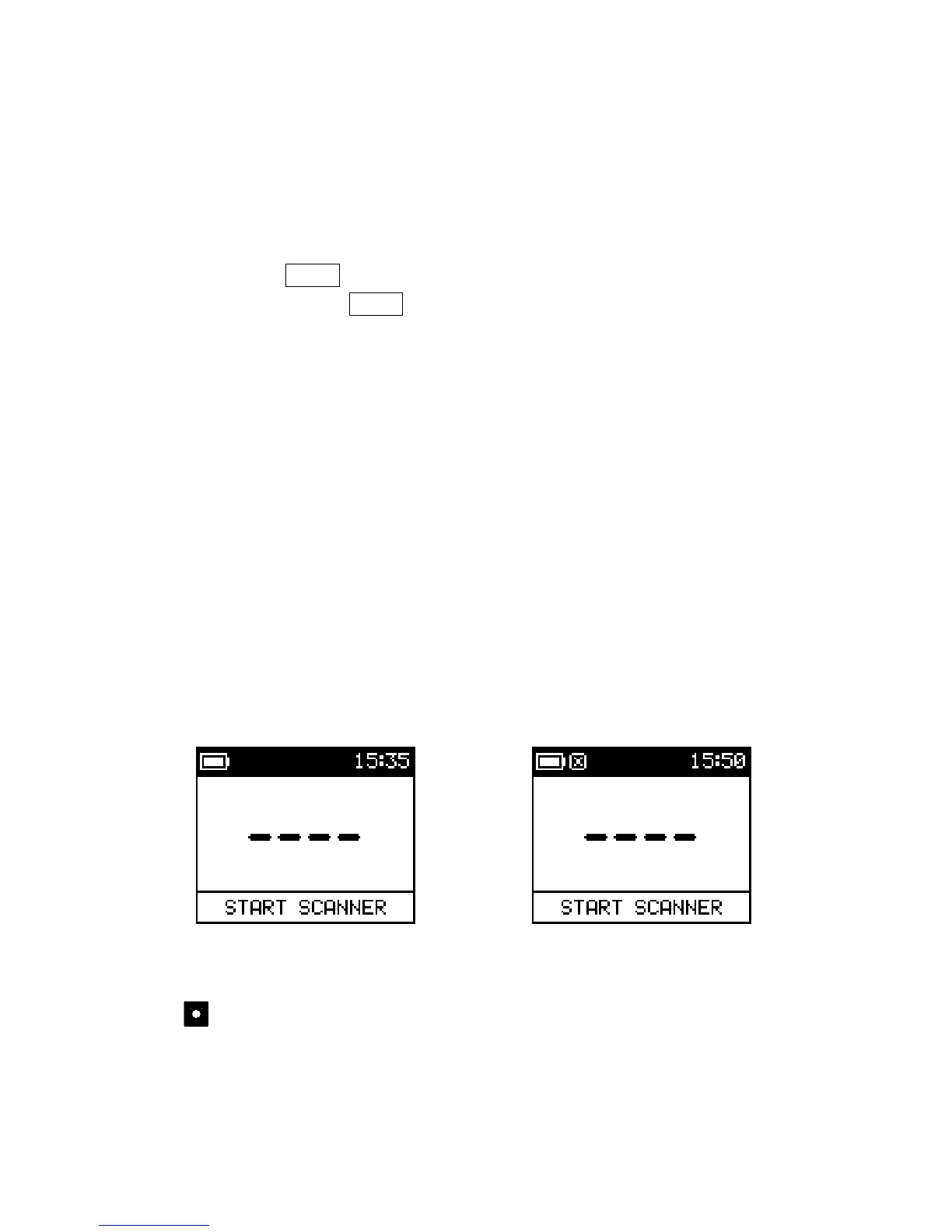
Ensure the meter is on the start scanner screen that is displayed in Figure 28. Before proceeding
with the measurements, ensure that the meter is positioned in free air, void of all metallic objects.
No Core Correction with Core Correction
Figure 28: Start Scanner
This icon in the notification area indicates that a core diameter has been
selected for susceptibility measurements. Conductivity measurements are not
corrected for core size.
The KT-10 v2 is now ready to start the measurement process in Scanner mode.
32



 To Next Page