3.2 Power
3.2.1 Power ON
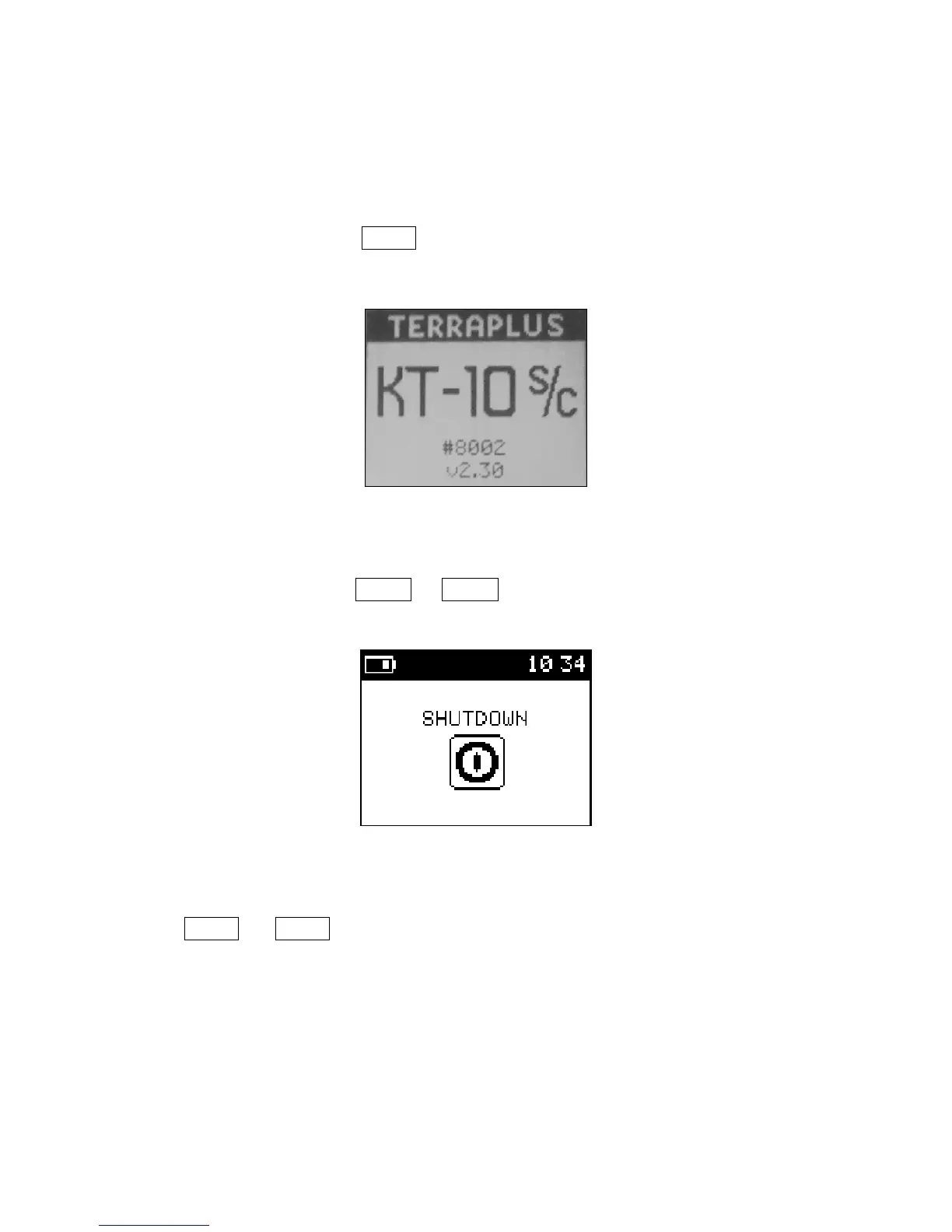
To power the unit ON, use SBP▲. An introductory screen (seen below in Figure 6)
accompanied by a melody will be presented.
Figure 6: Power On
3.2.2 Power OFF
To power the unit off, use LBP▲ or LBP▼ on the Shutdown option from the main
menu. You will be presented with the following screen…
Figure 7: Power Off
Alternatively
Press SBP▲ and SBP▼ together, to turn the meter off at any time during operation. The
shut down screen will not appear. Instead the unit will immediately turn off
TIP: Place your finger or thumb tip between the two buttons to simplify this task.
18



 To Next Page