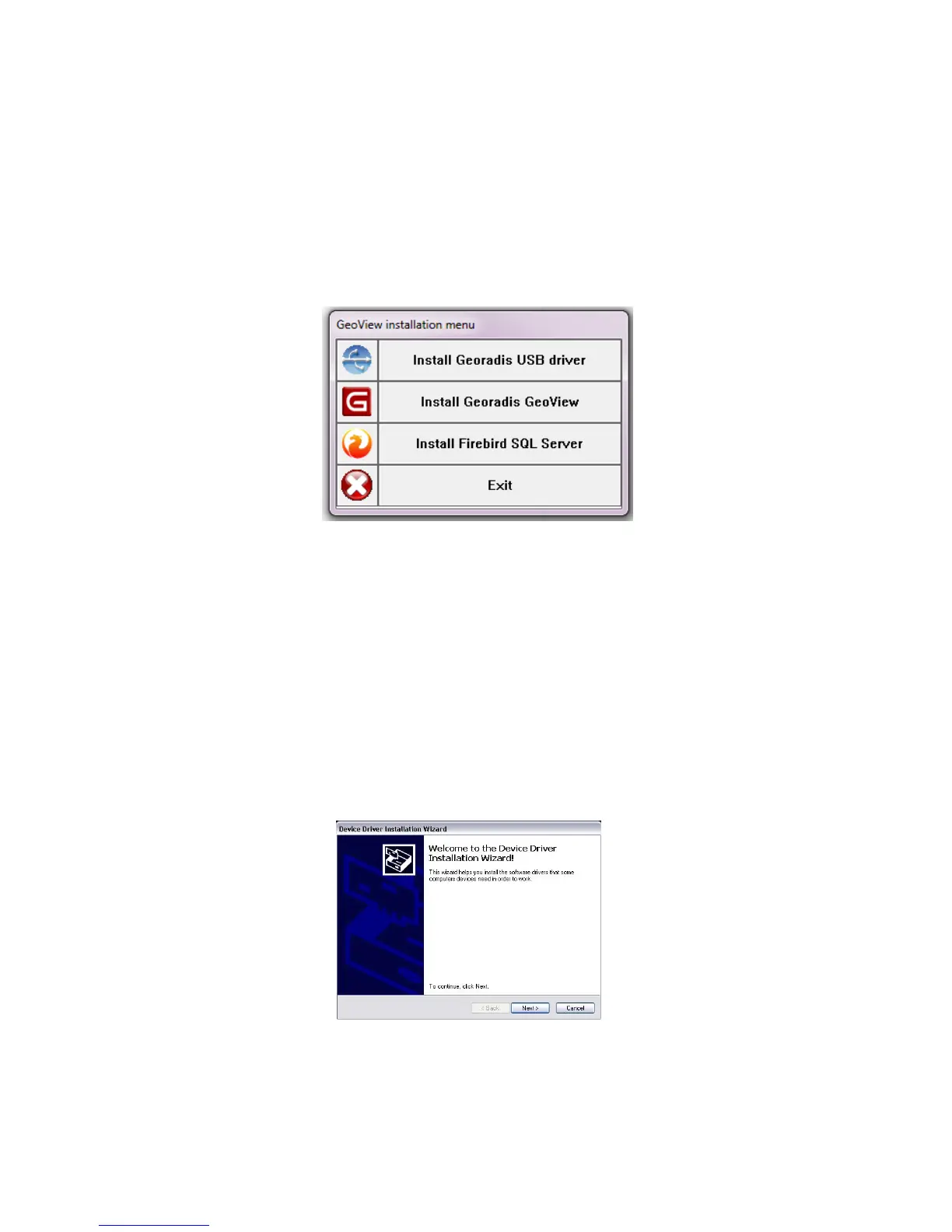
The setup file contains installation packages for the GeoView Software, the firebird
database, and the USB drivers for the KT-10 v2. If this is the first time connecting your
KT-10 v2 to your PC it is recommended to install the drivers first, and then install
GeoView software. To begin installation, select the appropriate option from the menu
shown below (Figure 40).
Figure 40: Install Splash Screen
USB Driver Installation
Please ensure that the meter is not connected to the PC via USB prior to driver
installation.
When selecting Install Georadis USB driver, you will be presented with the following
screen seen in Figure 41, select Next> to continue the installation or Cancel to exit.
Figure 41: Start Driver Installation
54


 To Next Page