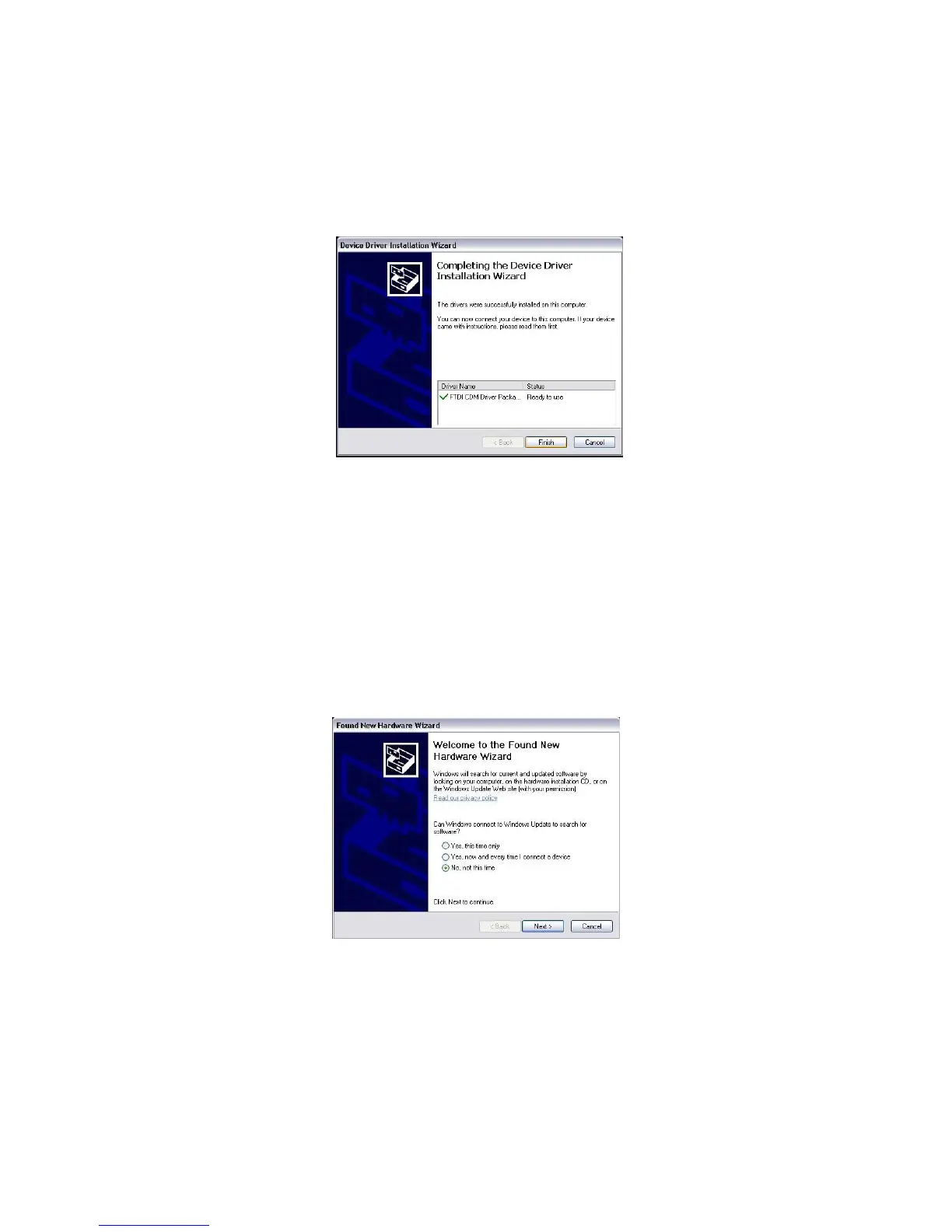
When the driver install has been completed, you will be presented with screen as seen in
Figure 42.
Figure 42: Complete Driver Installation
At this time, plug the KT-10 v2’s USB cable into the computer to have windows
recognize the drivers and copy the files to the appropriate location. Windows will
respond by showing you that a new USB device has been recognized. The new hardware
wizard will start.
Note: You should be logged in as an administrator to complete this part of the install.
Figure 43: Windows New Hardware Wizard
You will not need to go to the internet, as the previous step has copied the files to your
PC already, so select No, not at this time and then press Next button.
55



 To Next Page