3.6 Borehole mode
The Borehole mode option will initialize the KT-10 v2 for measurements on drill cores
along with borehole parameter such as the Borehole ID, Start depth, End depth, Core
length, # of Cores per box, and Depth interval. Geometric corrections applied to the
magnetic susceptibility and conductivity readings to display true measurement values. In
the Borehole mode, the SBP▲ is used to activate the Scanner measurement sequence
and to add depth interval to the data set. Depth intervals can be recorded with the push of
a button while scanning cores. All readings between depth intervals are interpolated.
3.6.1 Borehole mode configuration
1) Enable Borehole mode
a. From the main menu, select Setup options.
b. Select Borehole mode and then enable it by selecting “On”.
c. Select “Back to menu” to return to the main menu
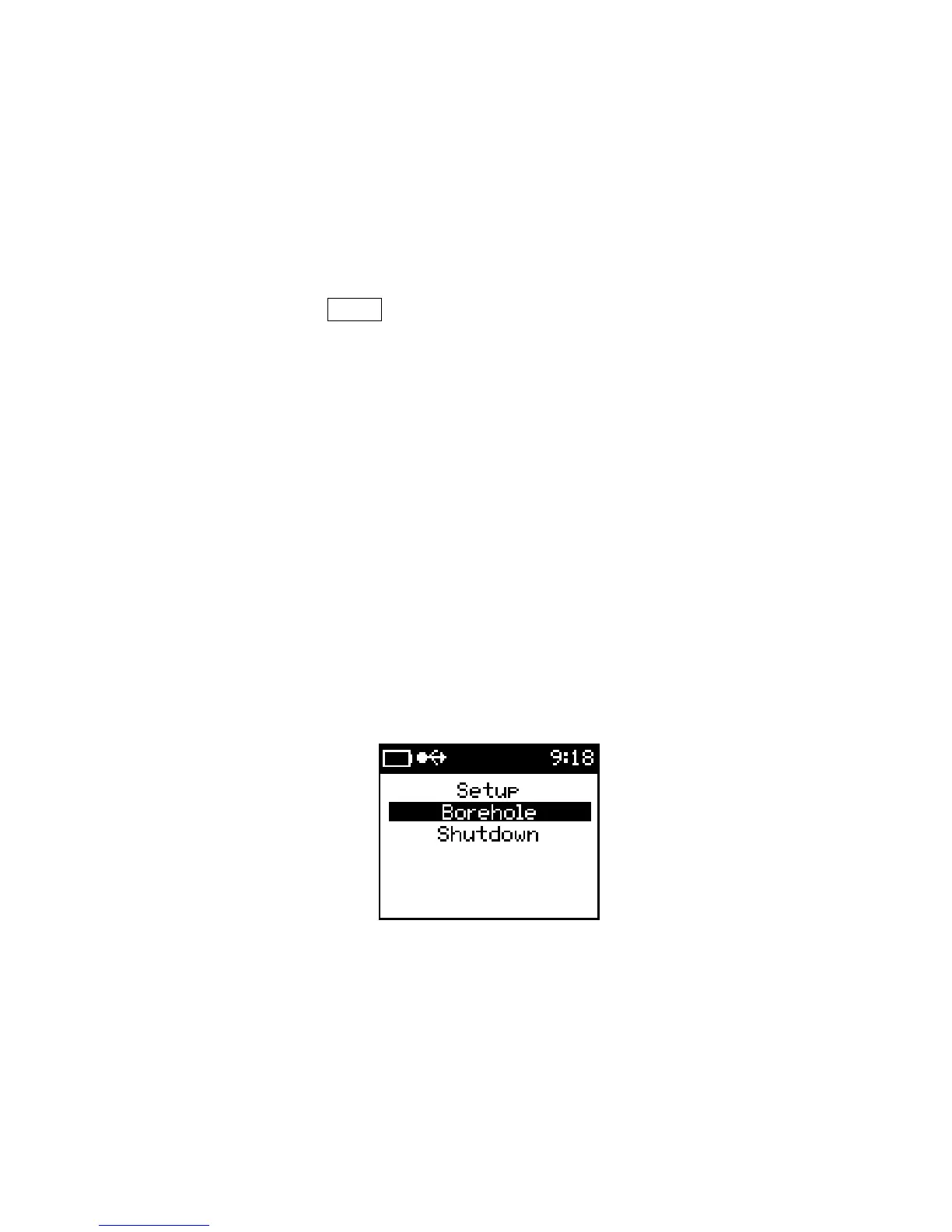
2) Select Borehole from the main menu
Borehole mode enabled
The options in the Borehole menu are as shown on the following page.
39



 To Next Page