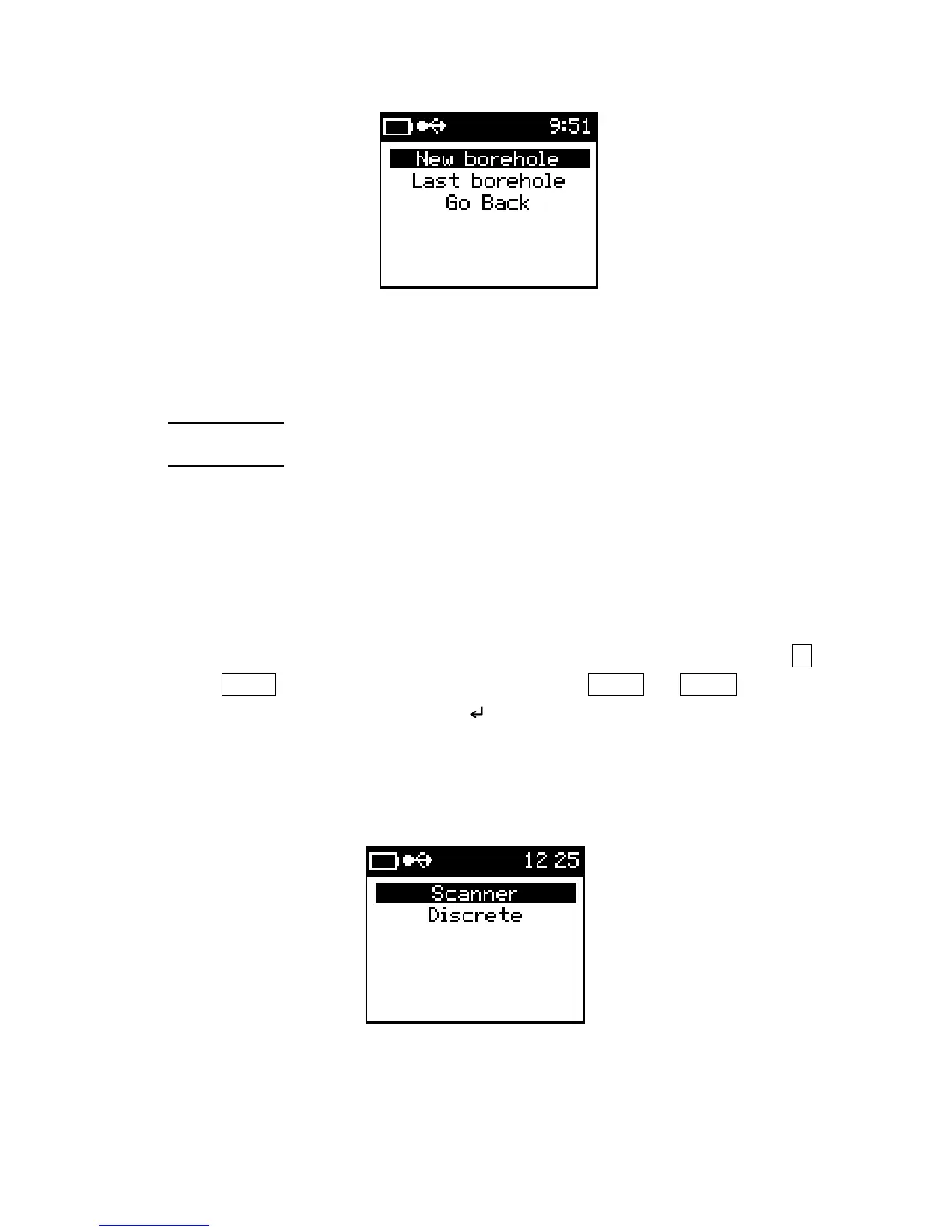
Borehole type
3) Borehole type
New borehole: - used to create a new borehole options
Last borehole: - uses last borehole options; this option is only active when a
previously created borehole is not fully completed. For any event
the new borehole is not finished, the last borehole is used to
resume measurements.
4) New Borehole
Selecting new borehole will start the Borehole creation wizard. Up to six alphas-
numerical characters can be used to enter the Borehole options. Use the SBP▼
or SBP▲ to scroll through the characters and LBP▼ or LBP▲ to make
selection a selection. The symbol “ ” is used to proceeded to next in the setup
wizard and the symbol “ * ” is used to exit the setup wizard. Use the “ – “ for a
space or to make corrections.
5) Select measurement type
Borehole measurement type
The two measurement modes are the Scanner and Discrete (Measure mode).
40



 To Next Page