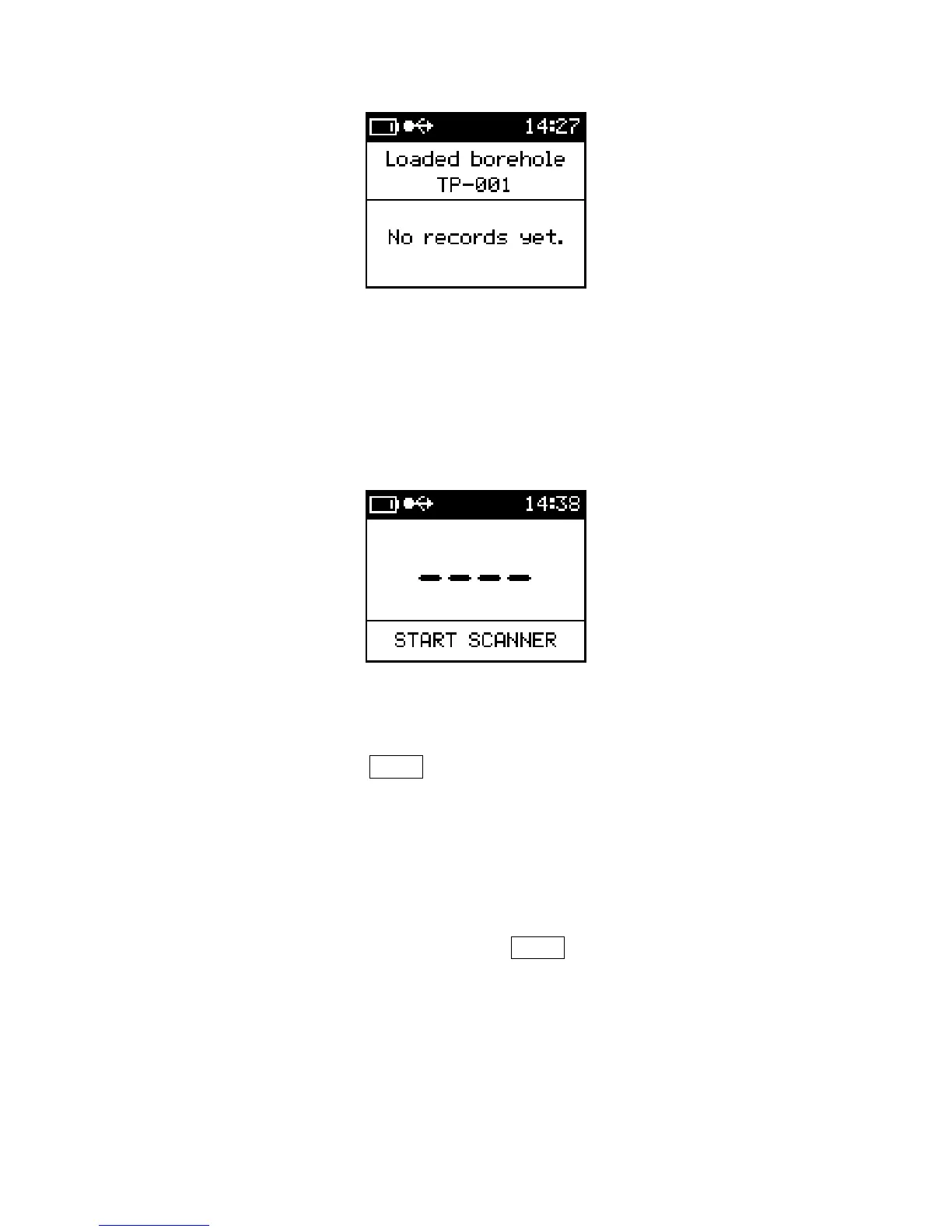
Borehole loaded
The meter is now ready for scanner measurements.
3.6.3 Taking a measurement in the Scanner mode
There are two steps involved in the Scanner process. The first step is a free air
measurement. The second is the sample measurement which will last for 120 seconds
unless stopped with the use of SBP▼.
To start the measurement process follow the steps listed below. Ensure your KT-10 v2 is
positioned in free air space void of all metallic objects before proceeding with
measurement.
Step 1: With the KT-10 v2 in free air, use SBP▲ to start the Scanner process.
Soon after you will hear a short sound indicating the free air
measurements are complete and that the meter can be positioned on the
sample.
43



 To Next Page