Step 2: When positioned on the sample, press the SBP▲ to mark the beginning
of the Start Depth on the core. This button press will trigger a new
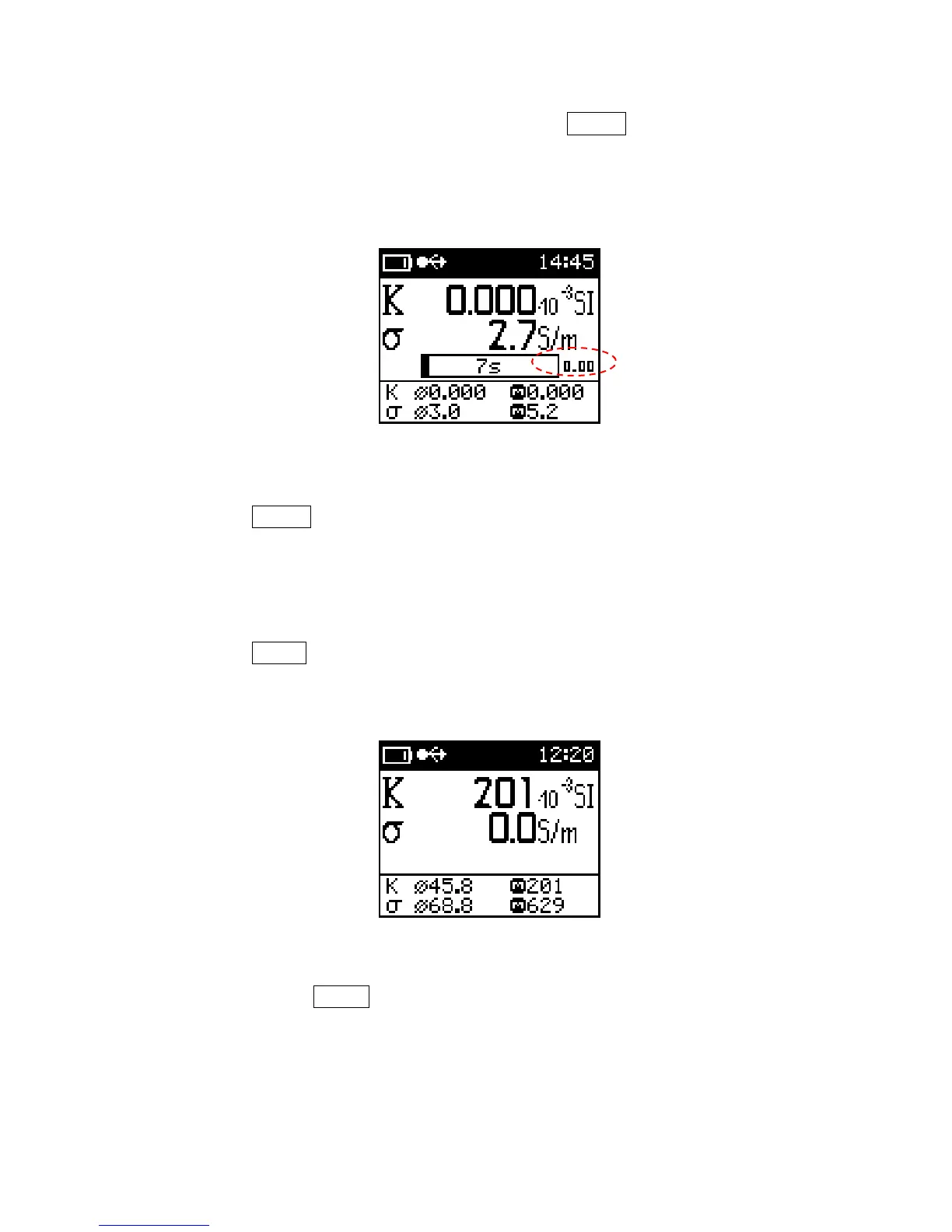
display, as shown below in red circle, showing the relative depth on the
core. This number will increment with each depth intervals.
Relative Depth display
Note: It is important to have the starting depth marked with the use of the
SBP▲ or else the data will not correspond to the depth properly.
Step 3: Begin to move the KT-10 v2 along the surface you wish to measure. The
meter’s loud speaker will indicate the relative intensity of the reading by
the loudness of the audio. To insert a depth interval in the data set, use
SBP▲. The scanner will automatically come to a stop when all depth
intervals are accounted for given core length as seen below.
Scanner mode stopped
Step 4: Use the LBP▲ to store the completed measurement for the 1
st
core. The
meter will show the current core status briefly as shown below.
44



 To Next Page