4.1.2 GeoView Calendar Interface
To start using GeoView, double click on the software’s icon which can be seen in Figure
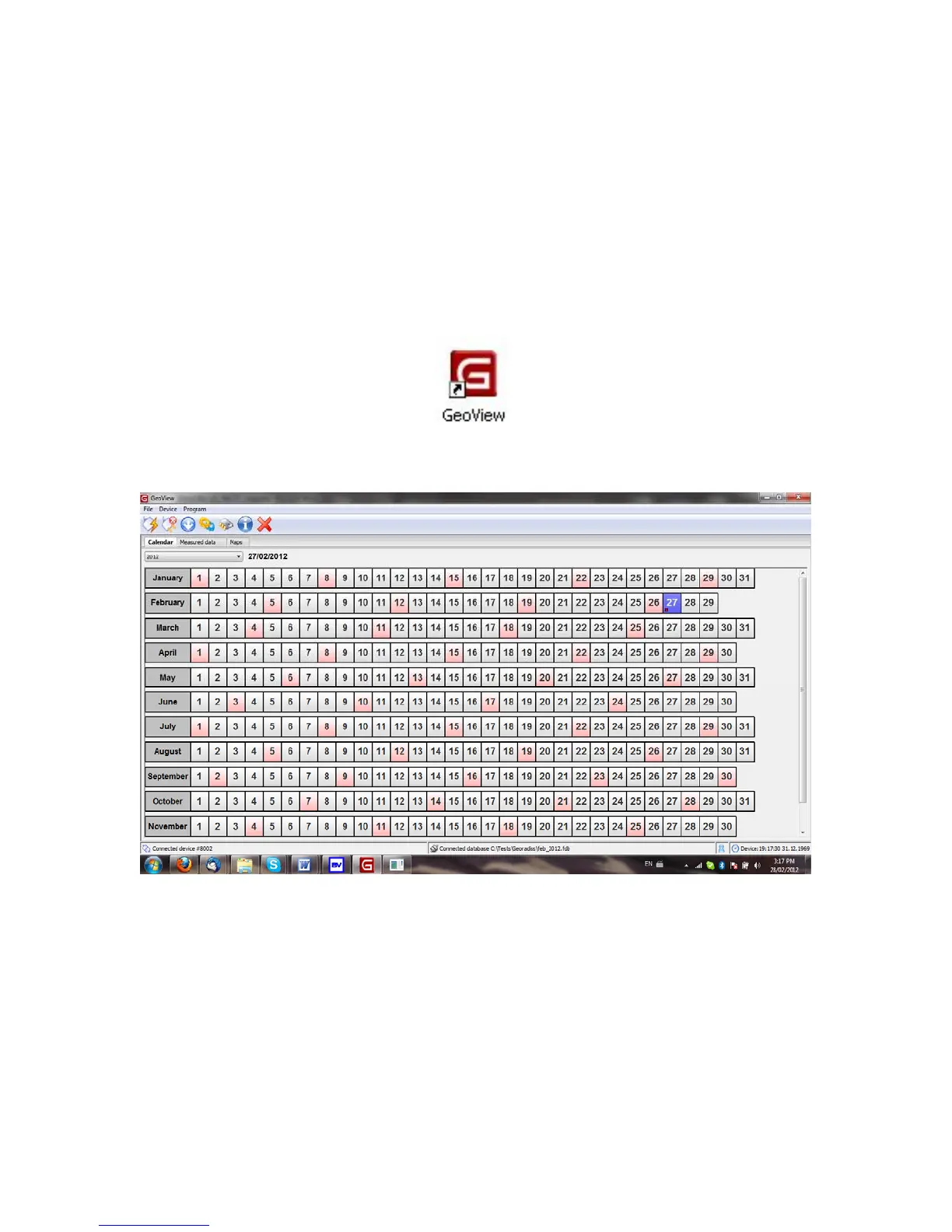
53. When GeoView is first opened, a calendar is presented to the user, seen in Figure 54.
This allows for the KT-10 v2 data to be organized by the date it was collected on, which
allows for the quick retrieval of data from previous recordings.
Figure 53: GeoView Icon
Figure 54: Calendar Interface
Let us get acquainted with the GeoView calendar interface. As is the case with most
Windows software programs, there are menus located at the top row of the main window.
On GeoView these are labelled File, Device and Program. Under each menu are several
selections, which are outlined below in detail. Some of these selections that are used most
often also have icons for quick access to the function. These are located directly below
the menus and the associated icons are included below with the description of the
selection.
60



 To Next Page