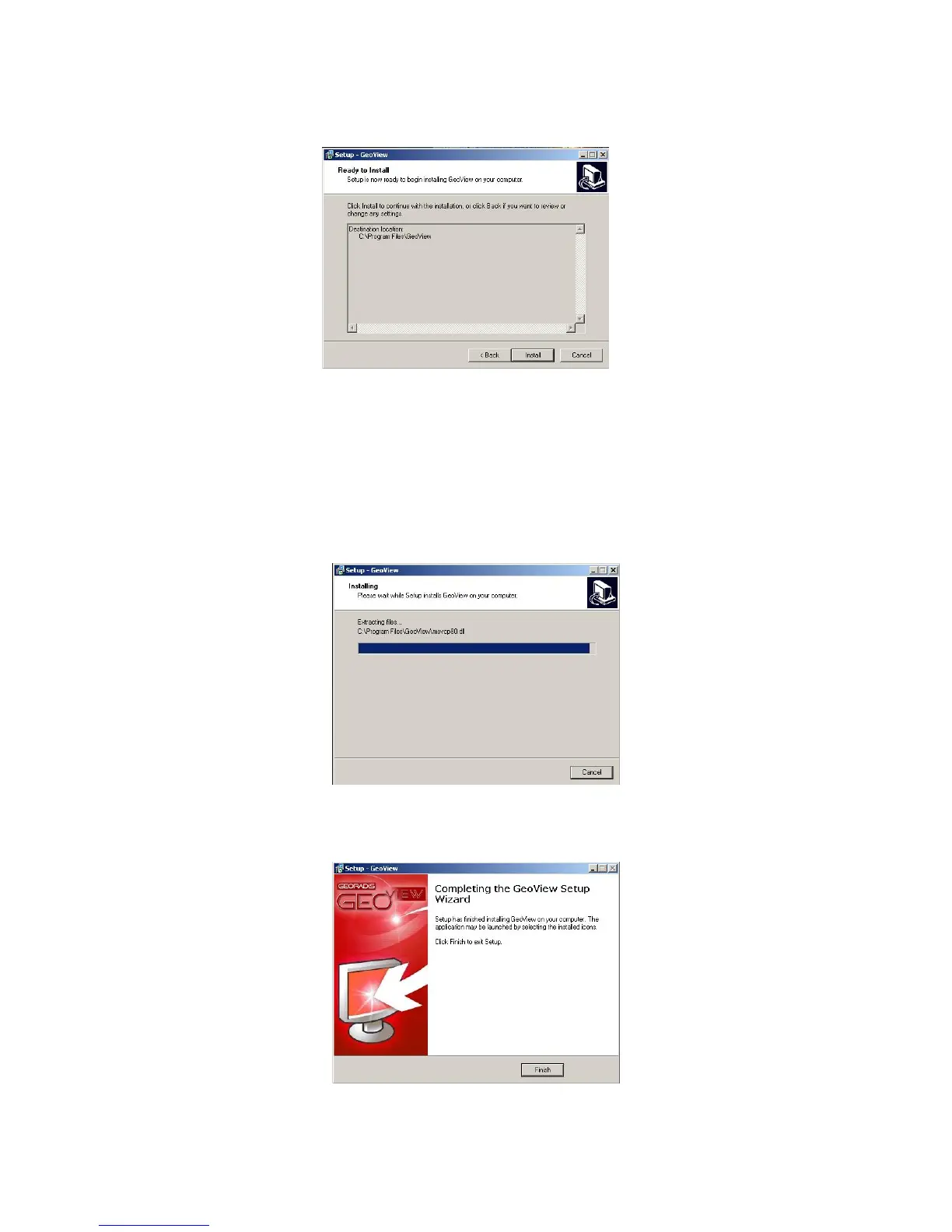
Figure 50: Folder and Installation Confirmation
An installation progress window, seen in Figure 51, will then be presented which is
followed by a confirmation dialogue, seen in Figure 52. Selecting Finish completes the
installation process.
Figure 51: Install progress window
Figure 52: GeoView Installation Complete
59



 To Next Page