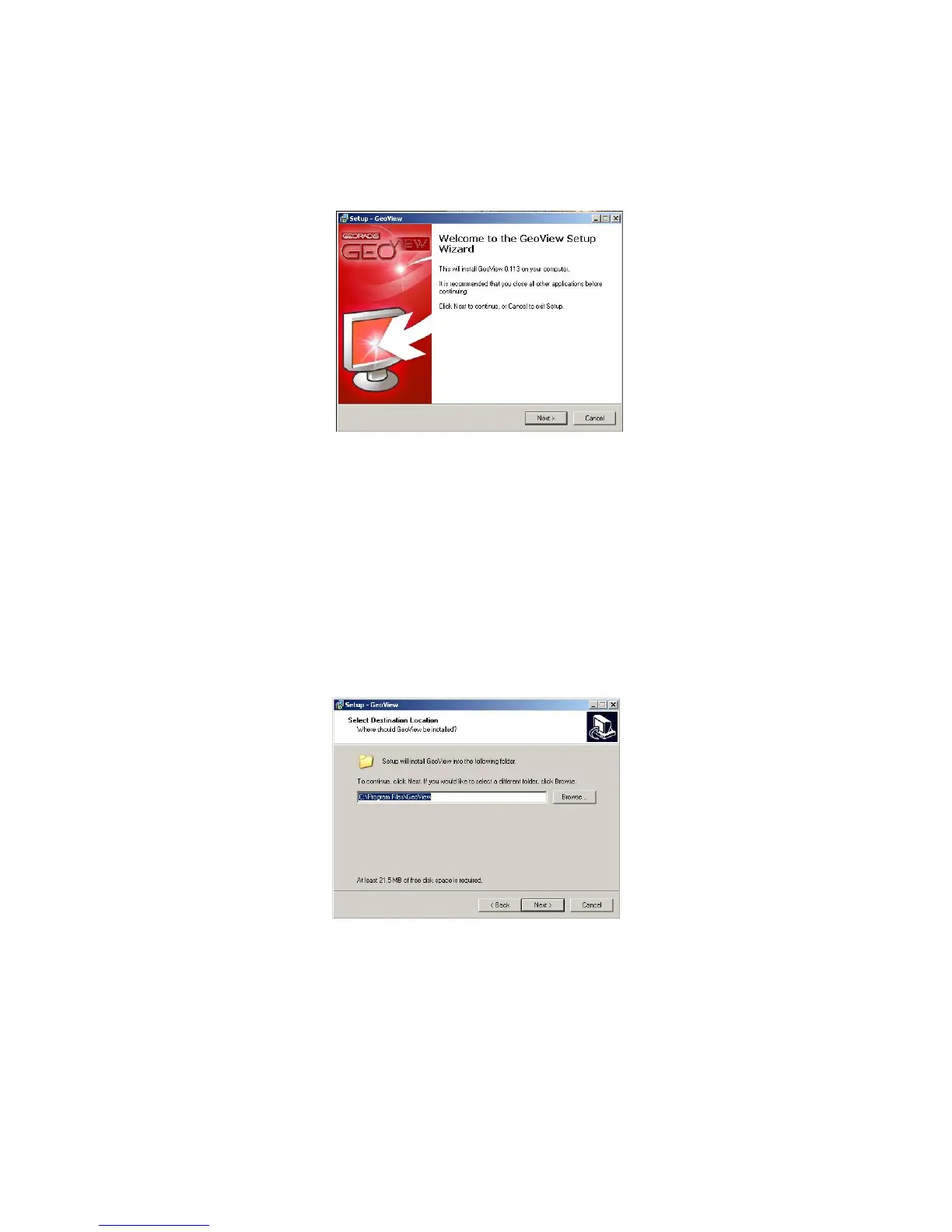
Figure 48: Begin GeoView Installation
You will then be prompted for the location of the installation directory. You may either
leave this as default (C:\Program Files\Geoview) or use the browse button to find a new
directory to install the GeoView software too. Select Next> when the correct path has
been chosen.
Figure 49: Folder Location
You will then confirm the destination folder by selecting Install or if you wish to change
this location use the <Back button to make the necessary changes.
58



 To Next Page