Under the File menu you will find the following selections: Create local database, Open
local database, Create remote database, Open remote database and Exit. The function
of each selection is listed below.
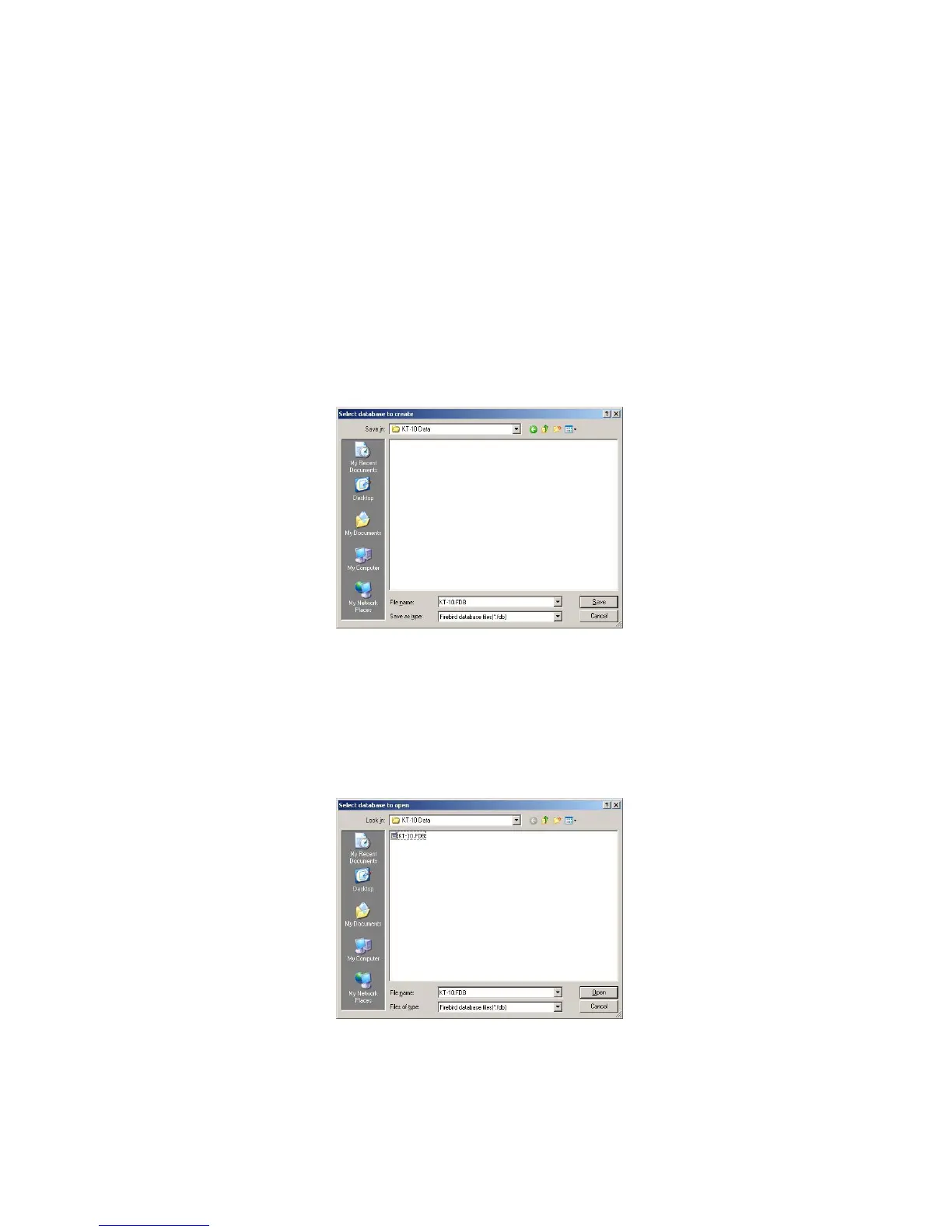
Create local database: - This allows for the creation of a local database to store KT-10
v2 data into. The location and the name of the database are user definable but must be a
location on your personal computer. One can use the default database name (.FBD) or
choose a name for the database. Seen in Figure 55 is the dialog for this task. Enter the
desired name and then press the Save button when complete.
Figure 55: Create Local Database
Open local database: - This will open an already created local database which contains
data from one or many KT-10 v2 units. Select the database file that you wish to work
with and then select open.
Figure 56: Open Local Database
Create remote database: - This allows for the creation of a remote database to store KT-
10 v2 data into. The location and the name of the database are user definable and the
61



 To Next Page