You may then proceed by pressing the download button icon or use the Device menu
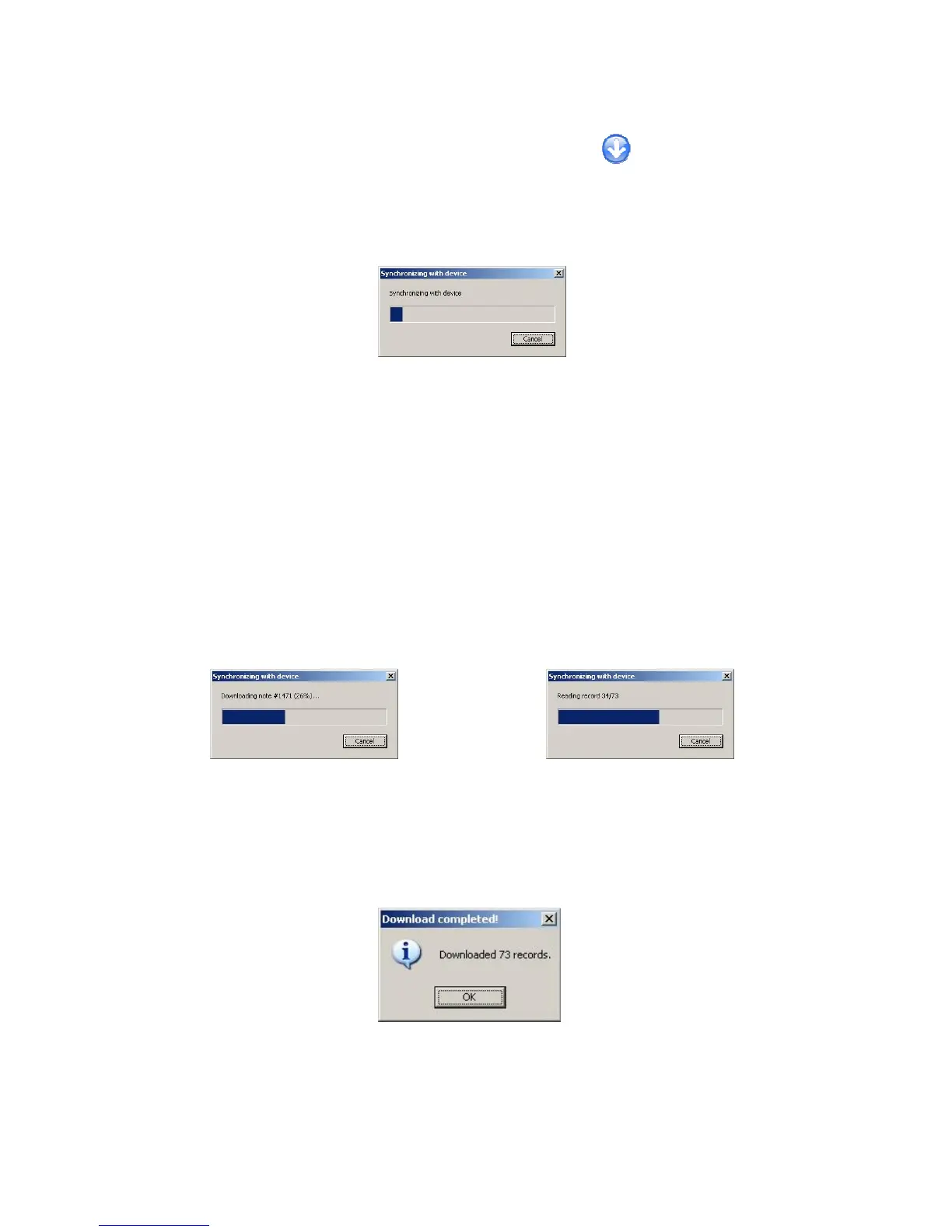
and select Download data. When the download process starts the following window
shown in Figure 68 will be presented.
Figure 68: Synchronising with Device
GeoView will synchronize with the KT-10 v2 to determine how much data is on the
device that is also not currently in the GeoView database. At this point the data will be
downloaded and the dialogue box display will show the details of the operation. The
display will change depending on which type of readings is being downloaded. The
record # / total # of records will be presented when data is being downloaded and
Downloading note # will be displayed when downloading a voice record. The Unique
record ID will be used for referencing voice notes to the recorded readings.
Figure 57: Downloading voice note Figure 58: Downloading Records
When all the data has been downloaded from your unit you will be presented with a small
window confirming data transfer is complete.
Figure 69: Download Complete
68



 To Next Page