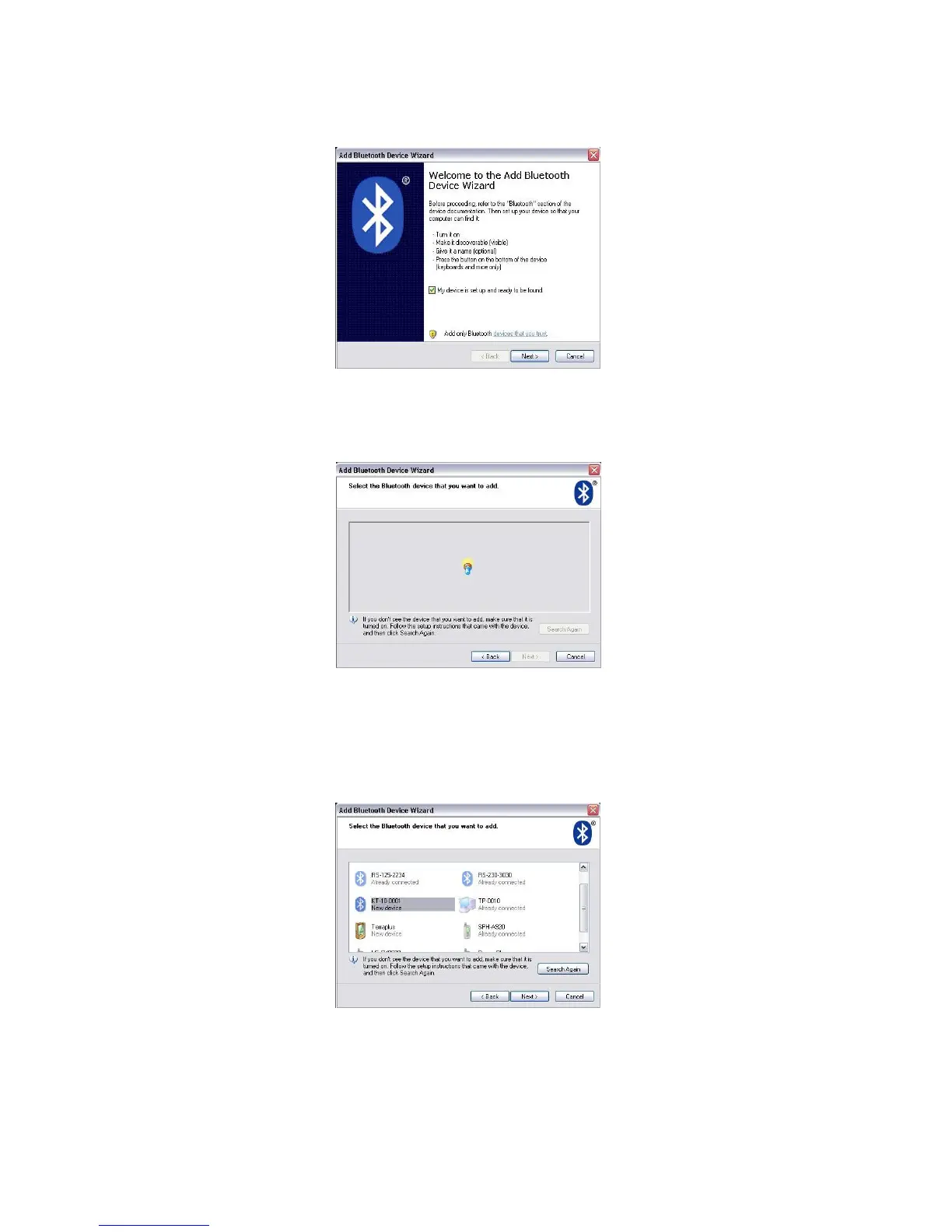
Figure 106. Bluetooth Wizard
Check the box My device is set up and ready to be found, and then select Next
Figure 107: Search for Device
Allow the Bluetooth search to finish, seen above. When it has completed the following
screen will be presented. Select the KT-10 v2 with the correct serial number and choose
Next>
Figure 108: Select Device
88


 To Next Page