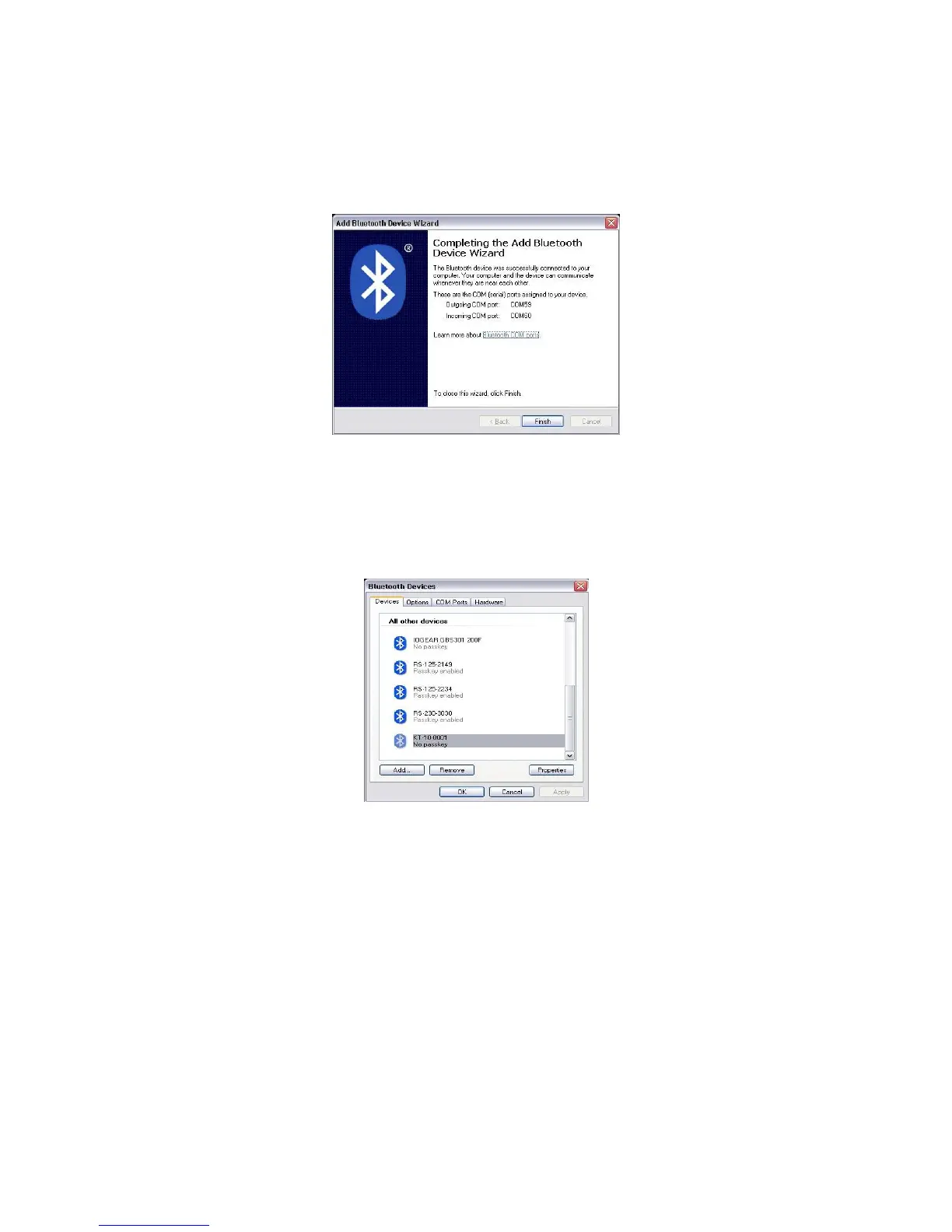
When completed, you will be presented with a list of the ports associated with the KT-10
v2 Bluetooth connection.
Figure 109: Installation Complete
Finally, if you right click on the Bluetooth icon in the system tray and select show
devices, the KT-10 v2 will now be listed.
Figure 110: Confirm Bluetooth Device
Further details on connecting the KT-10 v2 via Bluetooth to the GeoView software
for Data Download is found in section 4.1.4 on Page 67.
90


 To Next Page
 Loading...