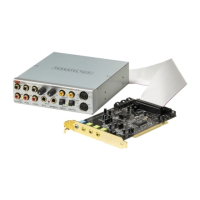
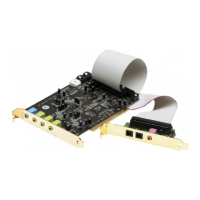
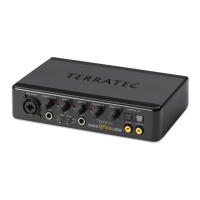
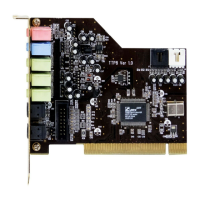
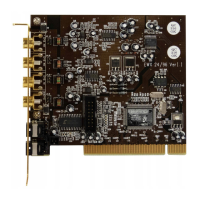
SoundSystem DMX 13
!
Installing the Card.
Before installing the card, make sure that you have already connected any desired expansion
modules such as digital, radio, or wavetable modules (for more information, please see the
sections following page 42ff). Adding these modules later on makes the process more
complicated.
Before installing the sound card, please take note of any special points pertaining to the
configuration of your computer. Also refer to the handbook of your computer and other
expansion cards for their settings.
Please observe the following instructions to ensure a trouble-free installation.
If difficulties arise nevertheless, please reread the relevant chapter in this handbook carefully.
Please call our service hotline if you are still having problems. The phone numbers and hours
of the hotline can be found in the Appendix of this documentation.
Start by making sure that nothing is missing.
The product packaging should contain:
1 TerraTec SoundSystem DMX PCI sound card
1 Driver & Installation CD
1 audio cable (mini-jack to cinch)
1 registration card with the serial number
1 manual
Return the registration card to us at the earliest possible opportunity or register online at
http://www.terratec.net/register.htm
K==This is important for support and hotline
services.
Safety Tip
Before opening the case, unplug the power plug from the wall socket
as well as from the PC.


 To Next Page