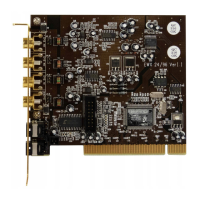
SoundSystem DMX 35
!
The Digital Output.
The digital output delivers a standard S/PDIF signal for consumer
devices. This falls into the category of digital amplifiers, MiniDisks or
DAT recorders, for example.
The Basics.
If you want to digitally transfer music form your computer to other devices, this is done using
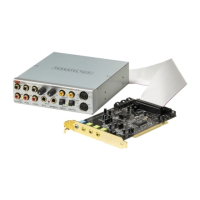
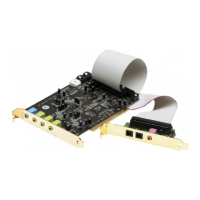
the digital module that comes with the card. For playback, you can use either a coaxial (RCA)
or an optical (also often known as a TOS link) output. You can connect two devices without
problem – the signal is played back via both outputs.
RCA OUT
TOS LINK OUT
On the SoundSystem ControlPanel select the DIG(ital) MODE "Output" in "Settings". This
gives you the option of setting the card's sample rate (sample frequency) for the output. You
can carry out this later under "DIG OUT Frequency".
Tip
Usually consumer devices such as MiniDisks, digital amplifiers or
consumer DATs operate with a sample rate of 44.1kHz. This setting
must be done manually when the affected device is not automatically
synchronized. Synchronization is necessary in order to guarantee
error-free ("drop out"-free) recordings.
For playback purposes, the volume control for the digital signal is labeled MASTER. Make sure
that this controller doesn't just affect the playback volume in what you can hear (monitoring),
but also changes the digital signal. For error-free "transfers" of the audio signal, the
controller should always be set to its base settings. If you are not sure whether everything is


 To Next Page