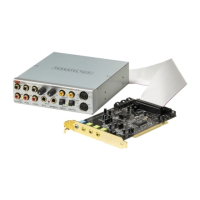
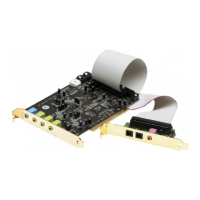
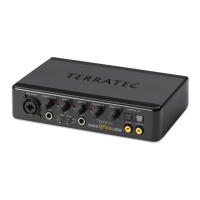
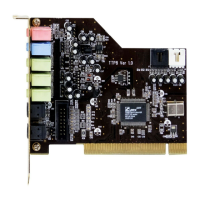
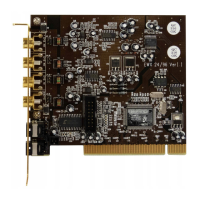
SoundSystem DMX 23
Select Unlisted or Updated Driver and click OK.
Enter the path <CD>:\Driver\WinNT4\ and click OK.
You could also use the mouse to select the path by clicking Browse... .
Select the SoundSystem DMX and click OK.
In the next window, confirm once again that you would like to install the drivers.
After the driver has been successfully installed, the setup for the software installation should
begin automatically. If this is not the case, run Setup directly from the DMX CD.


 To Next Page