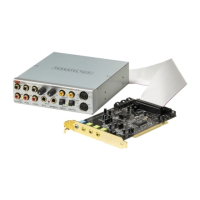
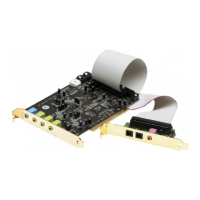
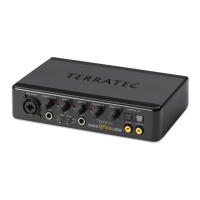
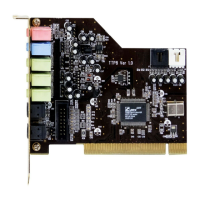
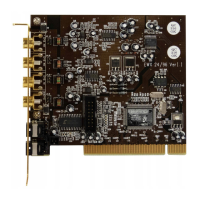
SoundSystem DMX 25
Finally, you should double-check the card's MIDI settings. Take a look at
Multimedia Properties (Control Panel > Multimedia) and select MIDI. If it hasn't already
been done so automatically, please set the MIDI output to the driver DMX WaveSynth.
If you have other MIDI devices installed and do not want the standard output to be via the
DMX Wavetable Synthesizer, you can naturally also select an alternative device.


 To Next Page