www.ti.com
Software Launch
3.3 Software Launch
Launch the LDC1101EVM Software from either the Start Menu or the Desktop Icon:
Figure 3-3. Desktop Icon
After the GUI starts, plug in the EVM to an available USB port.
3.4 Connecting the GUI to the EVM
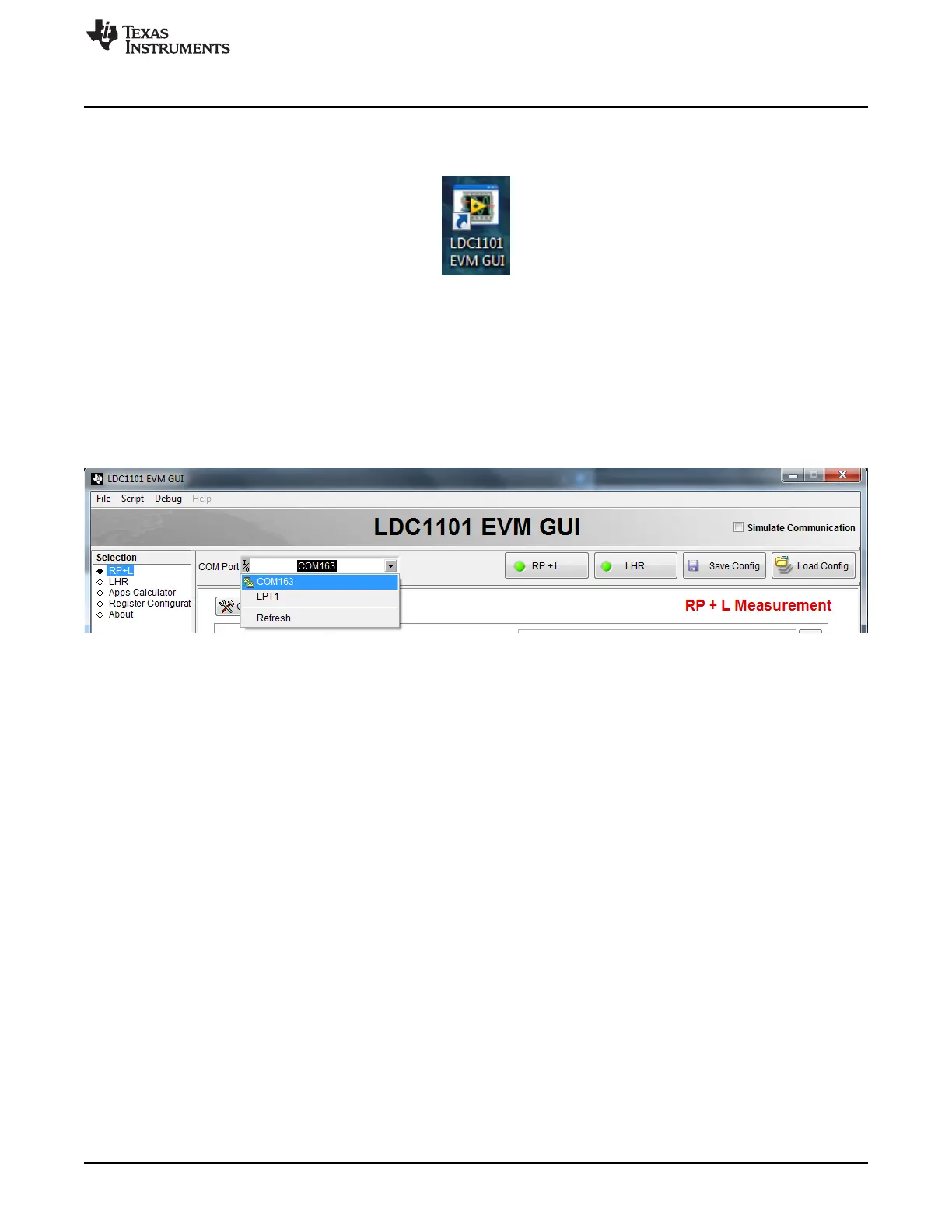
The LDC1101GUI uses a virtual COM port to communicate with the LDC1101EVM through USB.
At the top of the GUI, use the pull-down menu to select the appropriate COM port for communication with
the EVM. The GUI verifies the port connection before enabling the interface.
Figure 3-4. COM Port Selection
13
SNOU137–May 2015 LDC1101EVM PC Software (GUI)
Submit Documentation Feedback
Copyright © 2015, Texas Instruments Incorporated











 To Next Page