Datalogging Conversion Results
www.ti.com
3.10 Datalogging Conversion Results
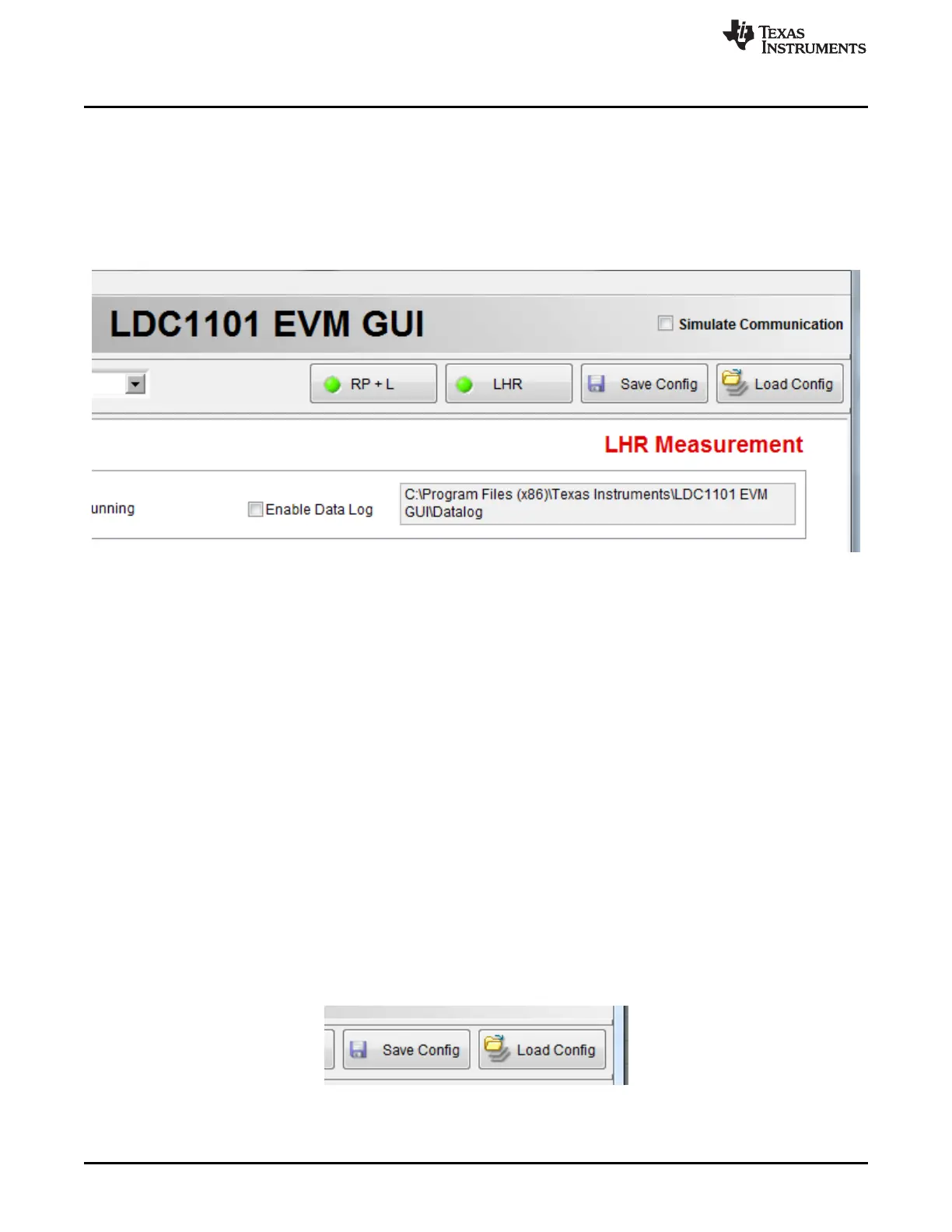
The LDC1101EVM GUI can save conversion results to a file for later evaluation with other applications. To
start saving data, simply check the “Enable Data Log” check box – a window will pop-up asking for the
location to save the file. While the default extension is an “xls” file, the save format is tab-delimitated
ASCII text. If the file is opened in Excel, Excel may issue a warning that the file is corrupt, but it will still
properly open the output file.
To stop saving, simply un-check the “Enable Data Log” check box.
Figure 3-17. Datalogging
The file data structure is formatted as columns of data, with a header at the beginning of the file which
indicates the column data. The columns are separated by tabs.
Time Stamp RP Raw Code RP Min Rp Max RP (Ohms) Fref(Hz) C(pF) L count L
calculated (uH)
Fref(Hz) C(pF) Offset LHR Count LHR calculated (uH)
11/17/2014 11:35 AM 0 0 0 0 0 0 0 0 12000000.0 330.0 0
5219578 5.507225
11/17/2014 11:35 AM 0 0 0 0 0 0 0 0 12000000.0 330.0 0
5219578 5.507225
11/17/2014 11:35 AM 0 0 0 0 0 0 0 0 12000000.0 330.0 0
4846751 6.387078
3.11 Configuration Saving and Loading
The Save Config and Load Config buttons enable saving the programmed register settings. After
configuring the register settings to the desired values (which is the same as setting the configuration
controls to the desired settings), simply press the Save Config Button. Enter a filename for the save file.
The file data is formatted as ASCII text.
To retrieve the configuration at a later time (e.g. after restarting the GUI), press the Load Config button
and select the desired configuration file.
Figure 3-18. Save Config and Load Config Buttons
24
LDC1101EVM PC Software (GUI) SNOU137–May 2015
Submit Documentation Feedback
Copyright © 2015, Texas Instruments Incorporated











 To Next Page