EVM FW Protocol
www.ti.com
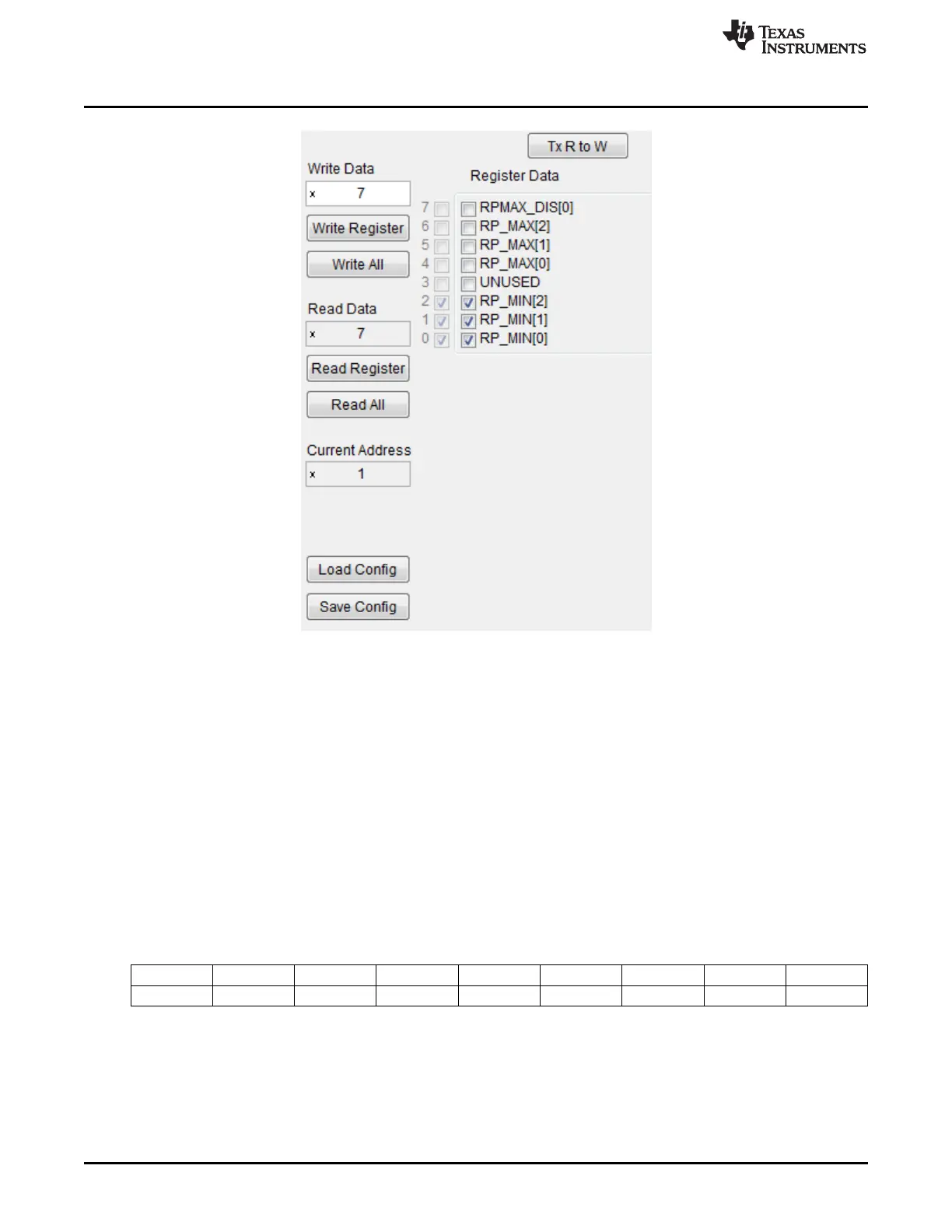
Figure 3-22. Register Read/Write Controls
3.15 EVM FW Protocol
The EVM communicates with the PC using a Com port interface running on USB. Interfacing the
LDC1101EVM with PC based tools which can manage Com port communications is feasible. Setting a
data rate of 115200 baud, 8 data bits, 1 stop bit with no parity and no flow control are recommended com
port settings. Note that the EVM returns values in binary format and not ASCII. For example, the EVM
may return the value of 0x00, which is not printable as an ASCII character.
Example: Setting Register 0x31 to 0x6B:
First, take the set Register command, 0x02, as ASCII characters ‘0’ and ‘2’ in array positions 0 and 1.
Append the register address, 0x31, as ‘3’ and ‘1’ into positions 2 and 3, followed by the write data, 0x6B,
formatted as ‘6’ and ‘B’ into positions 4 and 5.
The resulting string “02316B”, followed by a carriage return, then a line feed.
The EVM response is an array of 8bit integers:
Position 0 1 2 3 4 5 6 7
Value 0x00 0x6B 0x00 0x00 0x00 0x00 0x00 0x00
Where [00] corresponds to a return value of 0x00 and is not a printable ASCII character. The desired
return value is in position 1 (starting count from 0), and is the byte value of 0x6B, which appears as “k”,
when displayed in an ASCII interface.
28
LDC1101EVM PC Software (GUI) SNOU137–May 2015
Submit Documentation Feedback
Copyright © 2015, Texas Instruments Incorporated











 To Next Page