Legacy
Set Expander Option Switches
See Page 8
Set Expander Outputs
See Page 13
Learn Devices to the Receiver
with Engineers Keypad,
Ricochet Monitor or onboard
LED’s
See Page 23
Ensure all Option Switches
are off
See Page 8
Learn Devices to Control
Panel
See Page 11Onwards
Map Devices to Zones/Users
and set attributes
See Page 11 Onwards
Place Devices in desired
location, use LED to indicate
Signal Security
See Page 6 & 32
Wait 15 Minutes for Mesh
Network to establish
Walk Test System
See Page 33


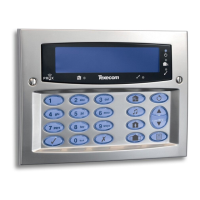
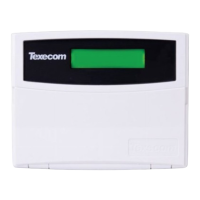
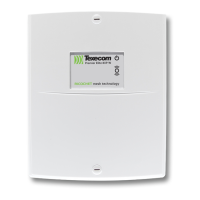

 To Next Page