6 SEQUENCE OF OPERATION
6 – 1
SEQUENCE OF OPERATION
NOTE
Scroll Buttons are used to select the parameters to
be set. The LED's show which function is being
adjusted on the weld sequence graph. Refer to the
Symbols Table located in the front of the manual
for Symbol descriptions.
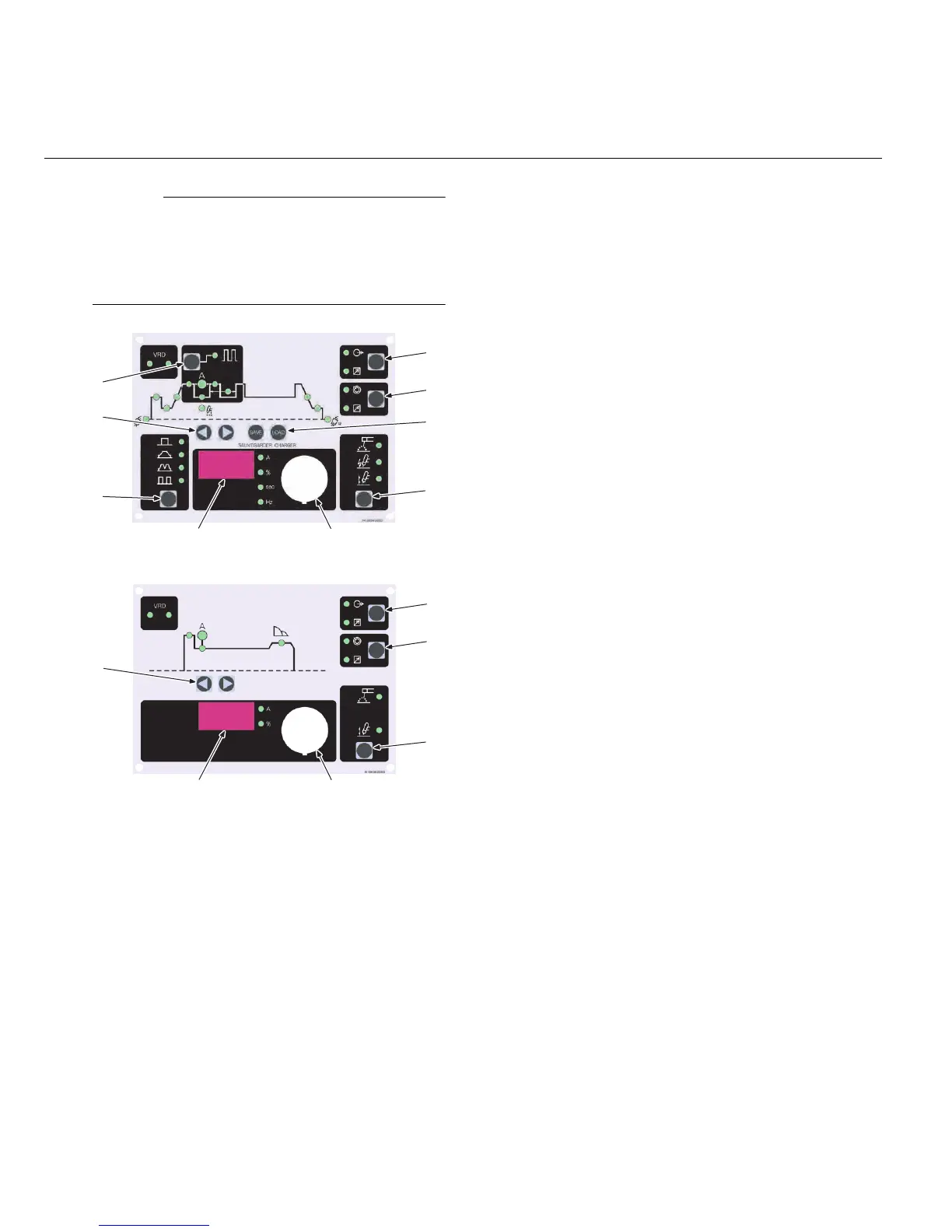
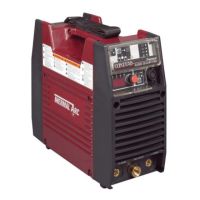
Figure 6-1: 300/40TS Front Panel
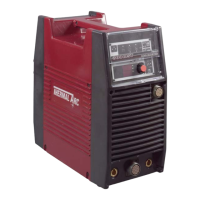
Figure 6-2: 300/400S Front Panel
1. Pulse function:
Pressing this button enables the TIG current
pulse functions.
2. Remote Current function:
Pressing this button enables remote current
functions.
3. TIG Mode Functions:
Pressing this button scrolls through the output
TIG function modes (Standard, Slope, Slope
w/repeat, Spot).
4. Digital LED display:
Welding amperage and parameter values are
displayed in this window. Internal warnings
such as over temperature, low or high input
voltage applied are signaled to the operator by
a warning sound and error message on the
screen.
5. Save/Load Buttons:
By using the Save & Load buttons the operator
can easily save up to 5 welding parameter pro-
grams.
6. Control knob:
Allows the operator to adjust the output amper-
age within the entire range of the power source
and sets each parameter value.
7. Process Button:
This button selects between STICK, HF TIG
and Lift TIG mode.
8. Scroll Buttons:
Used to select the parameters to be set. The
LED's show which function is being adjusted
on the Sequence Graph.
9. Contactor function:
Pressing this button enables Contactor func-
tions.
1
Stick Welding
Connect work lead to negative terminal.
Connect electrode lead to positive terminal.
Switch machine on.
Set Contactor.
Connect remote control device if required.
Use the Scroll Buttons to move to the parameter to
be set. The LED will show which function is being
adjusted on the weld sequence graph.
Use the control knob to adjust each parameter.
Set HOT START.
Set WELD current.
Commence welding.
1
8
2
5
7
6
9
4
3
8
2
7
6
9
4



 To Next Page