300/400TS and 300/400S 11 ADVANCED TROUBLESHOOTING
11 – 2
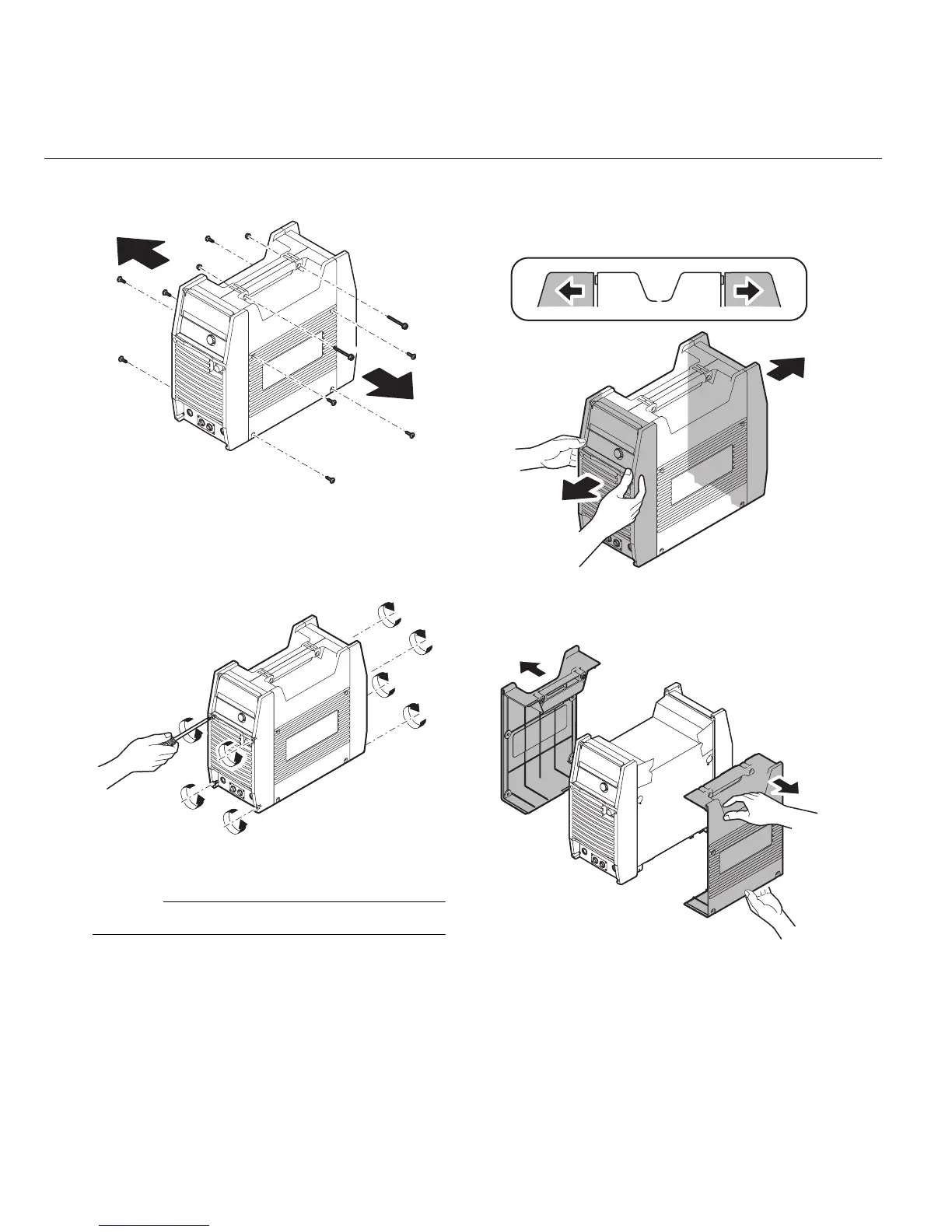
2) Remove all screws and nuts on the side cov-
ers.
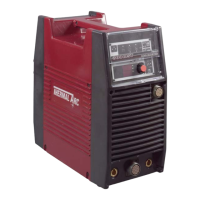
Figure11-2: Remove screws
3) Loosen the screws on the front panel and the
rear panel by turning them approximately two
turns CCW.
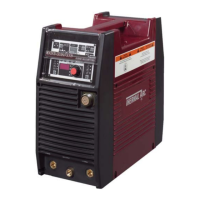
Figure11-3: Loosen screws
NOTE
DO NOT remove the screws completely.
4) Pull the front panel slightly forward and pull the
rear panel slightly backward. The interlocking
hooks of the side case covers can now be dis-
engaged from the front and rear panels.
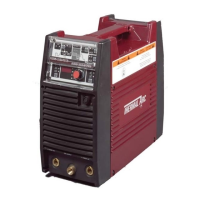
Figure 11-4: Loosen front and rear panels
5) Remove the side covers.
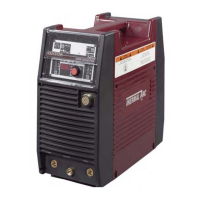
Figure11-5: Remove Side covers



 To Next Page