84
TK 56430-18-IP-EN
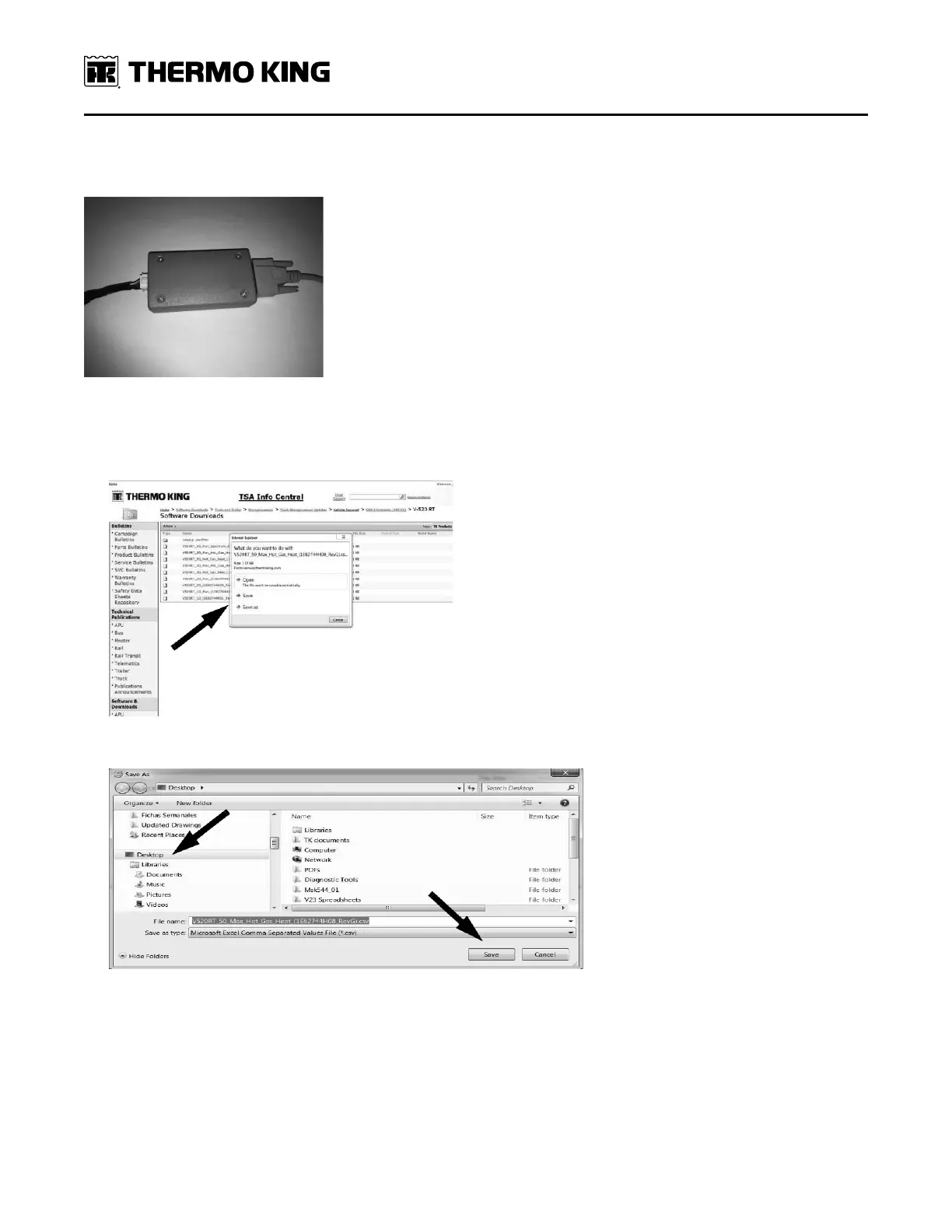
Figure 74. In-cab controller (HMI) harness shown connected to the box on the
204-1126 DSR interconnect cable.
7. Connect the 204-1126 DSR interconnect cable to the 42-575 USB to serial adapter and connect to a computer/laptop.
8. Go to TSA Info Central and click on the correct configuration file for the unit being installed. A dialogue box should
appear asking, “What do you want to do with the file?”
9. Click the “save as” option and save the file to your desktop.
10. Launch WinTrac and connect to the DSR controller.
11. If WinTrac is communicating properly with the controller, a notification should appear stating that it is
communicating and the time remaining until the download is complete.
SSeeccttiioonn 99 -- CCoonnffiigguurriinngg SSooffttwwaarree aanndd CCoonnttrroolllleerr PPrroocceedduurreess




 To Next Page