16
01
17
01
Connecting ThinkNavi T7
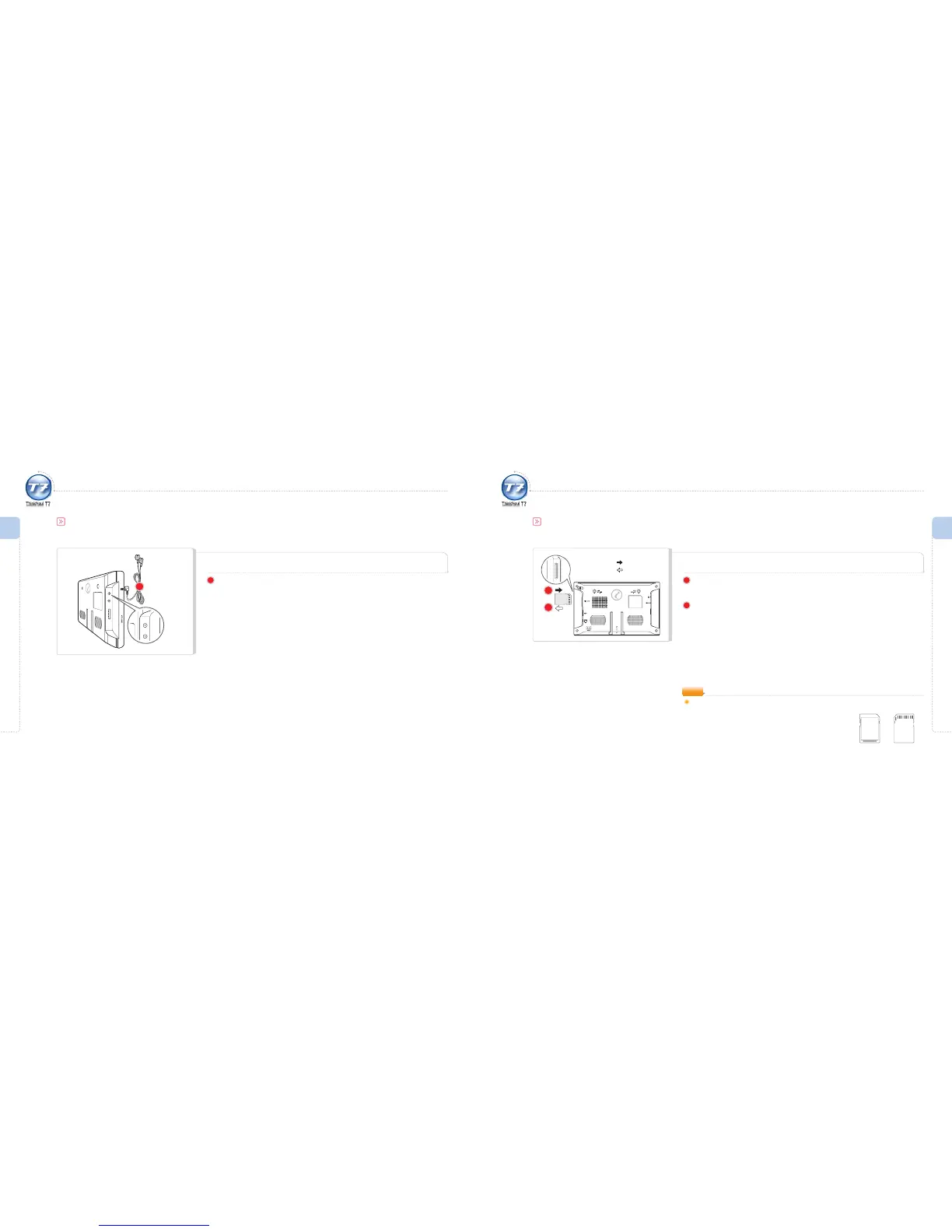
Connecting the Earphone
1
Connect the earphone to the earphone port located on the left side of the
main unit.
If the earphone is connected, you can hear the sound only through the earphone.
1
Getting Ready I
Connecting ThinkNavi T7
Getting Ready I
Connecting ThinkNavi T7
Inserting/Disconnecting the SD Memory Card
Connecting ThinkNavi T7
If the SD memory card is inserted upside down or incorrectly, this may cause damage to the card
or ThinkNavi. Any resulting damage is the sole responsibility of the user.
NOTE
Front Rear
1
2
1
Push the SD memory card in the direction of the arrow.
Caution : Do not insert the memory card with force; this may damage the card.
2
With the one-touch mechanism, lightly press the edge of the SD Memory Card
for automatic ejection.
Fully extract the slightly ejected SD Memory Card.
: To insert
: To disconnect



 To Next Page