32
03
33
03
Using the DVB-T
TeleText
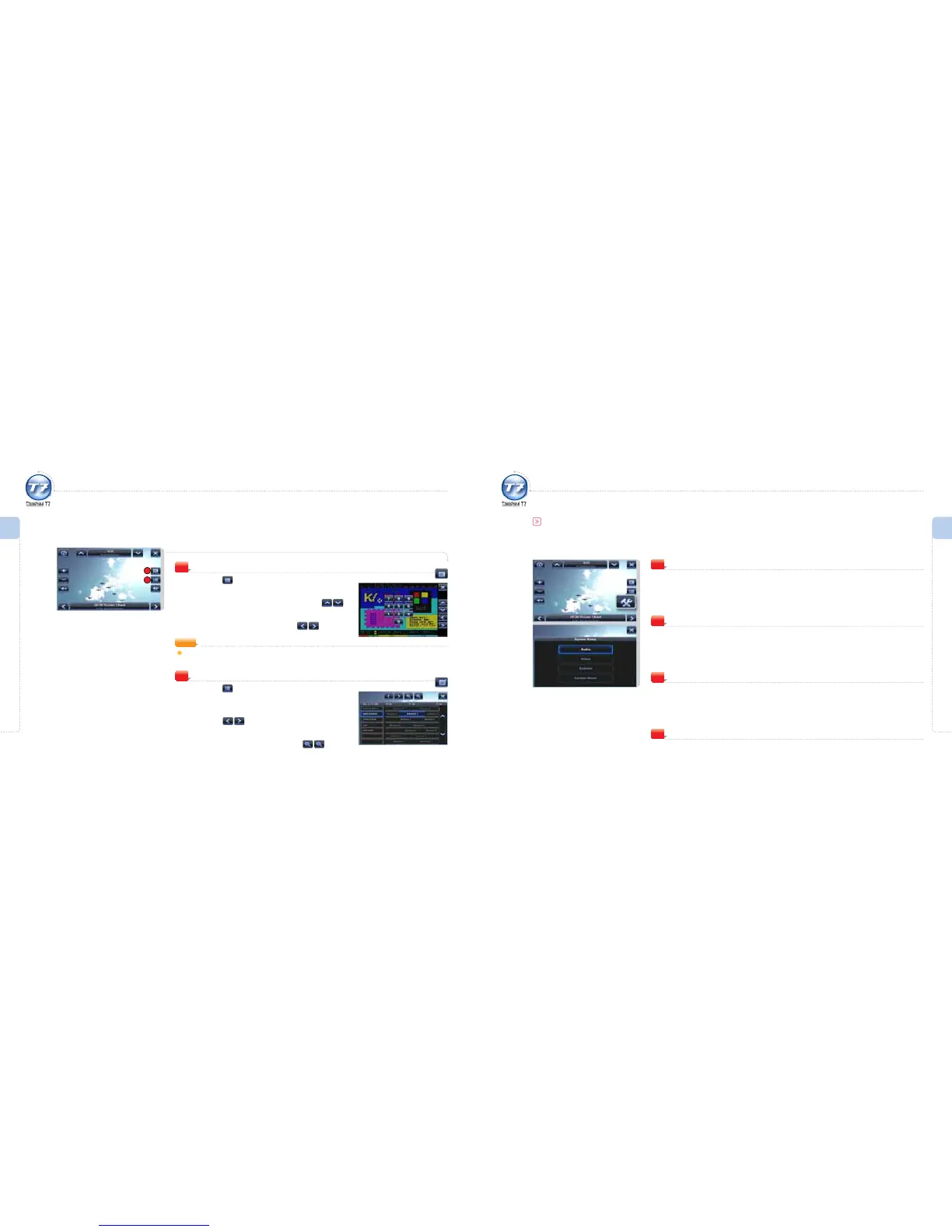
Press the icon.
The TeleText window is displayed.
To move to the previous/next page, press the icon.
Move to the previous/next page.
To move to the subpage, press the icon.
Move to the subpage.
4
4
EPG Window
Press the icon.
The EPG window is displayed.
To move to the previous/next time zone,
press the
icon.
Move to the previous/next time zone.
To adjust the time interval, press the icon.
The time interval is increased/decreased.
5
Menu Overview I
Using the DVB-T
Menu Overview I
Using the DVB-T
5
Using the DVB-T
DVB-T Options
Audio
Set the language for audio.
1
Video
Set the screen ratio.
Two ratios are available. (4:3 or 16:9)
2
Subtitle
Activate/Deactivate the subtitle display.
3
System Reset
Reset the system as the factory defaults.
4
NOTE
Touch the screen and a numeric table is displayed.
To move to a specific page directly, press the page number.



 To Next Page