50
03
51
03
Menu Overview I
Using the e-Book
Menu Overview I
Using the e-Book
Using the e-Book
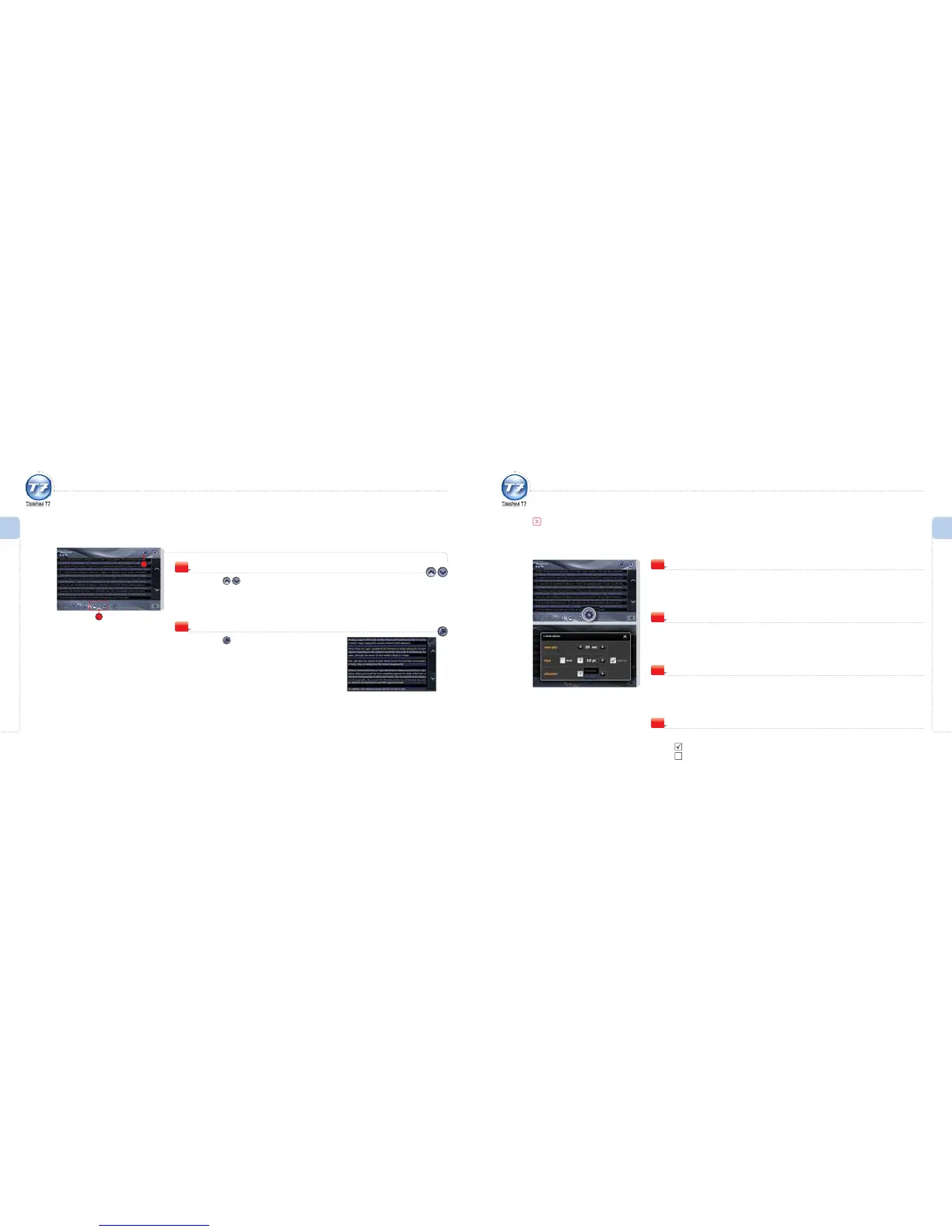
Next / Previous Page
Press the icon during playback.
The text screen is moved to the next/previous page.
4
4
5
Full Screen View
Press the icon.
The full screen view appears.
When in full screen view, touch the screen to return to
normal view.
5
Using the e-Book
e-Book Options
auto play
Set the time interval before each page is turned automatically.
1
Font
Set the font size and boldness.
2
View Tip
Activate/Deactivate the View Tip function in the initial screen of the eBook.
View Tip : Shows a pop-up when starting the eBook.
View Tip : Does not show the pop-up when starting the eBook.
4
character
Set the colour of the viewing area background as well as the font colour.
3



 To Next Page